Why choose Payments with Authorize.Net for WPForms
Payments with Authorize.Net for WPForms is built for WordPress sites that need a dependable plugin with straightforward configuration, practical features, and documentation you can follow without guesswork.
Who it is for
Use Payments with Authorize.Net for WPForms if you want faster setup, clearer notifications or form workflows, and a product designed for real client and store projects.
Get started
Install Payments with Authorize.Net for WPForms, configure the settings page, run a quick test, and connect it to your existing WooCommerce or WPForms workflow.
Payments with Authorize.Net for WPForms lets you accept credit card payments directly on WPForms. Unlike older integrations that post raw card data to WordPress, this addon uses Authorize.Net Accept.js so card details are tokenized in the browser. Only a one-time payment nonce reaches your server. Features- Secure Accept.js card tokenization (card data never touches WordPress)
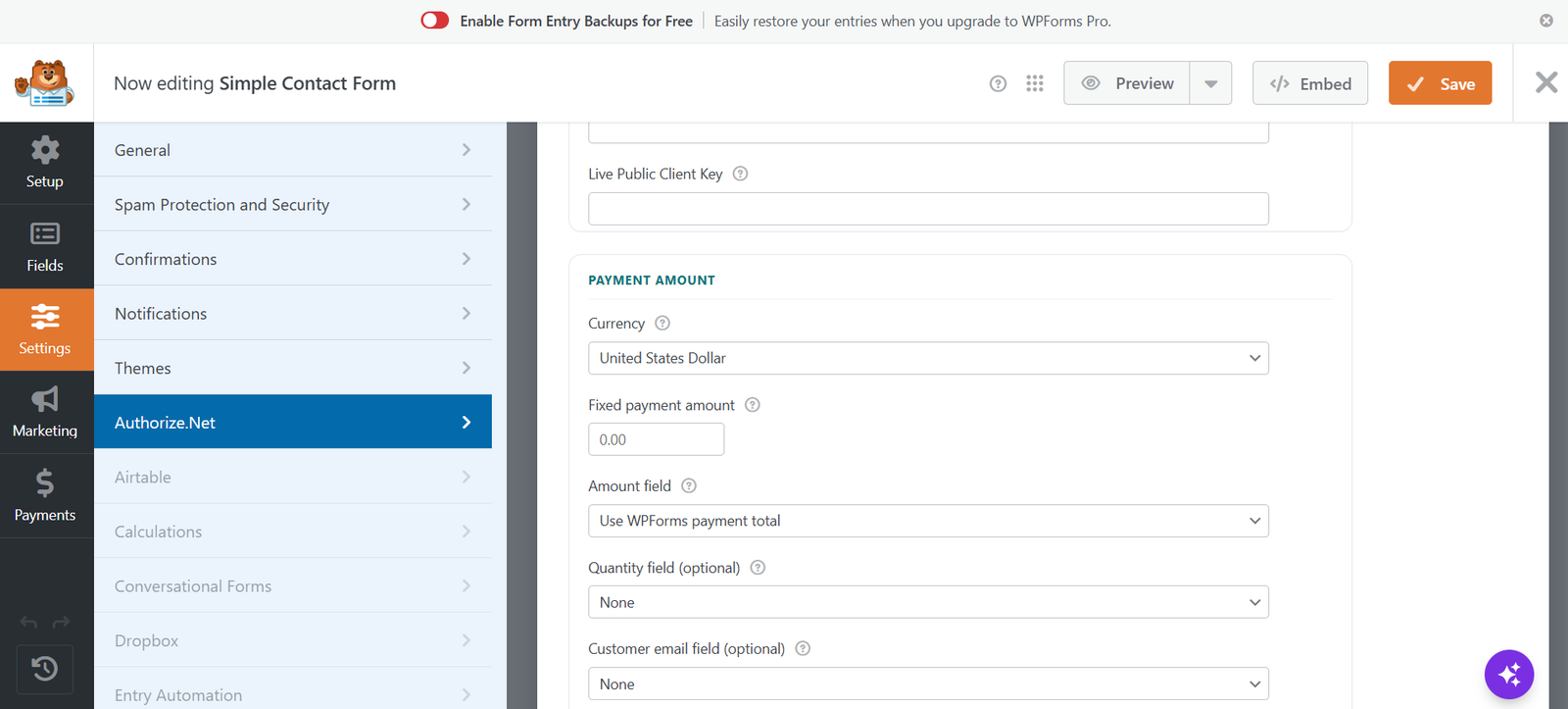
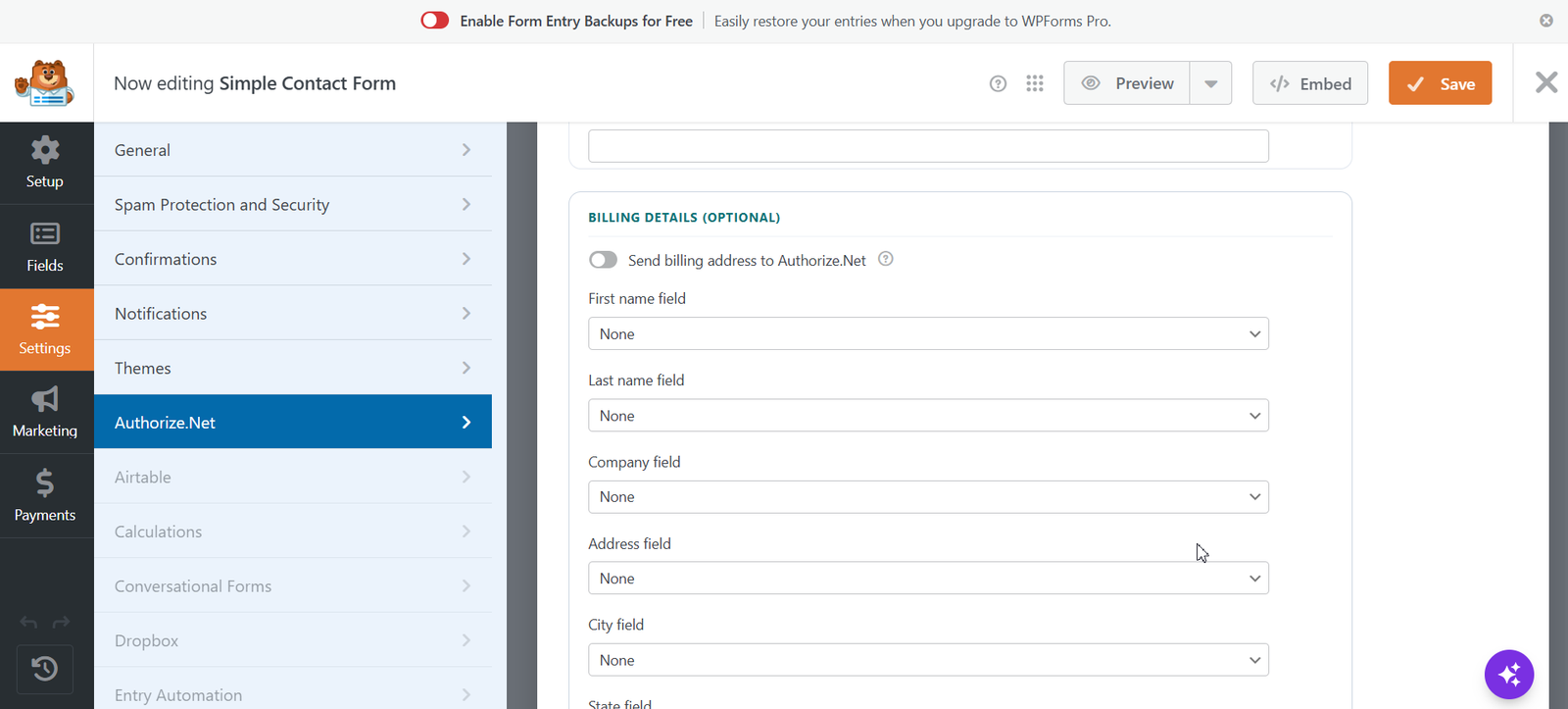
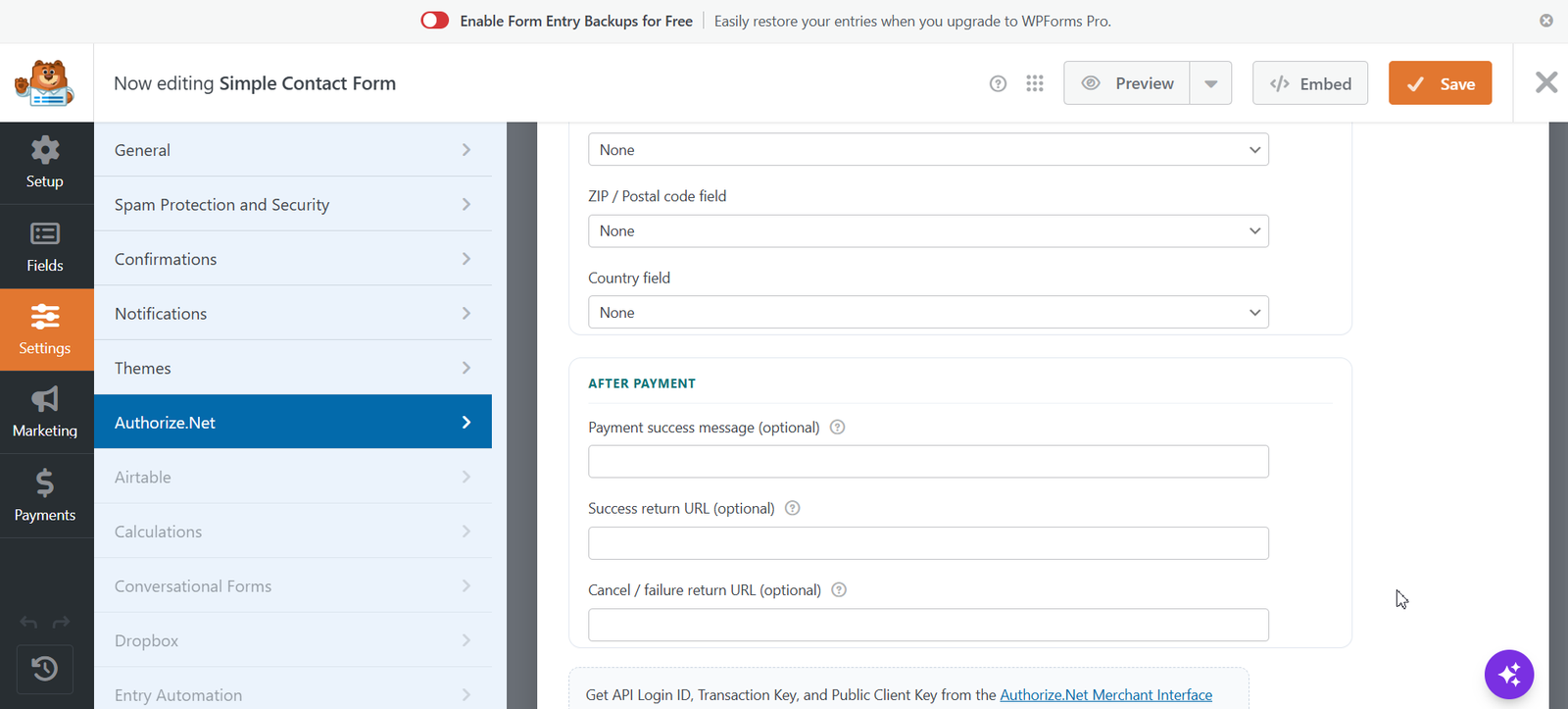
- Per-form Authorize.Net settings in the WPForms builder
- Sandbox and Live API credentials (Login ID, Transaction Key, Public Client Key)
- Charge amount from WPForms payment total, a mapped field, or a fixed amount
- Optional quantity, email, description, and billing address field mapping
- Modern on-form payment UI with card formatting and status messaging
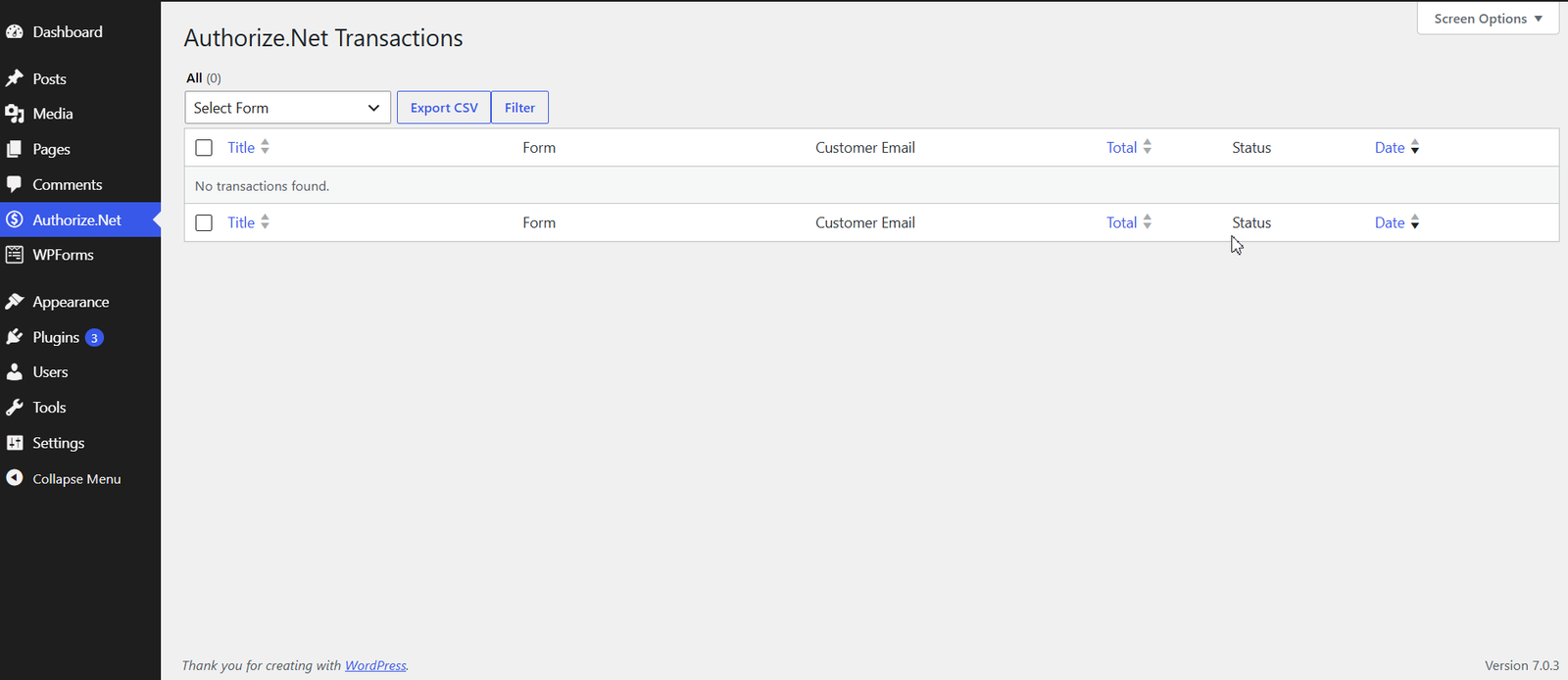
- Transaction records in wp-admin with status badges
- Refund / void from the transaction detail screen
- CSV export of recent transactions
- [authorize-details] shortcode for thank-you pages
- Works with WPForms Lite and Pro