Why choose Generate PDF For WPForms
Generate PDF For WPForms is built for WordPress sites that need a dependable plugin with straightforward configuration, practical features, and documentation you can follow without guesswork.
Who it is for
Use Generate PDF For WPForms if you want faster setup, clearer notifications or form workflows, and a product designed for real client and store projects.
Get started
Install Generate PDF For WPForms, configure the settings page, run a quick test, and connect it to your existing WooCommerce or WPForms workflow.
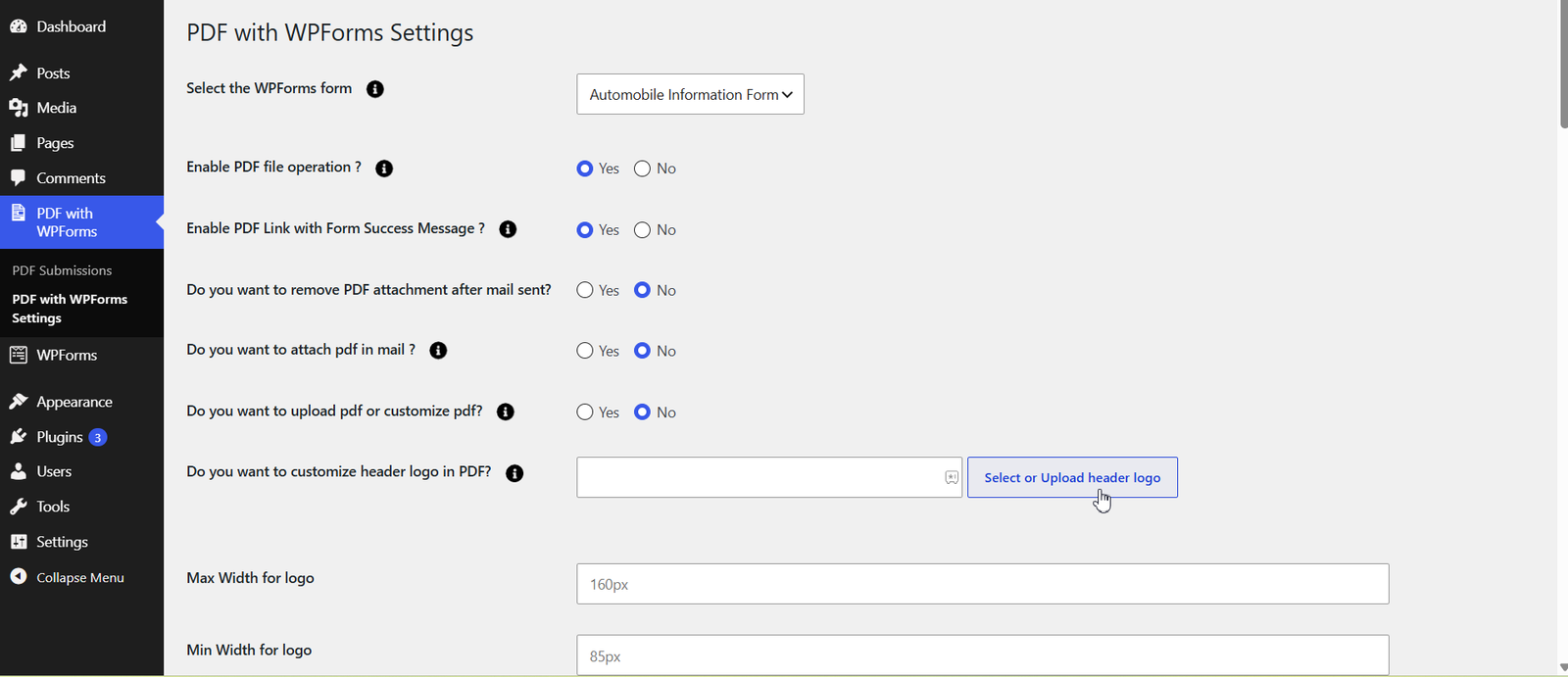
Thenameda Generate PDF For WPForms plugin provides an easier way to download PDF documents, open the PDF document file after the successful form submission. Here, a user can set the document file (PDF) from the ‘Form Setting’ Page of each WPForms form. When the user fills the form and submits it, the same document will get open in a new tab. Once it gets opened, the user would be able to download it to the local system. Also, in case an admin does not want any user to open it in-browser, admin can adjust settings and send that particular PDF as an email attachment. Features of Thenameda Generate PDF For WPForms- Attach PDF file to the Form Notifications Emails that are sent to the user and/or administrator, from the Admin side.
- In the message, the link of the attached PDF file is displayed, along with Thank You Message of the Form Submission
- Admin can add different PDFs with different WPForms Forms and can create multiple forms.
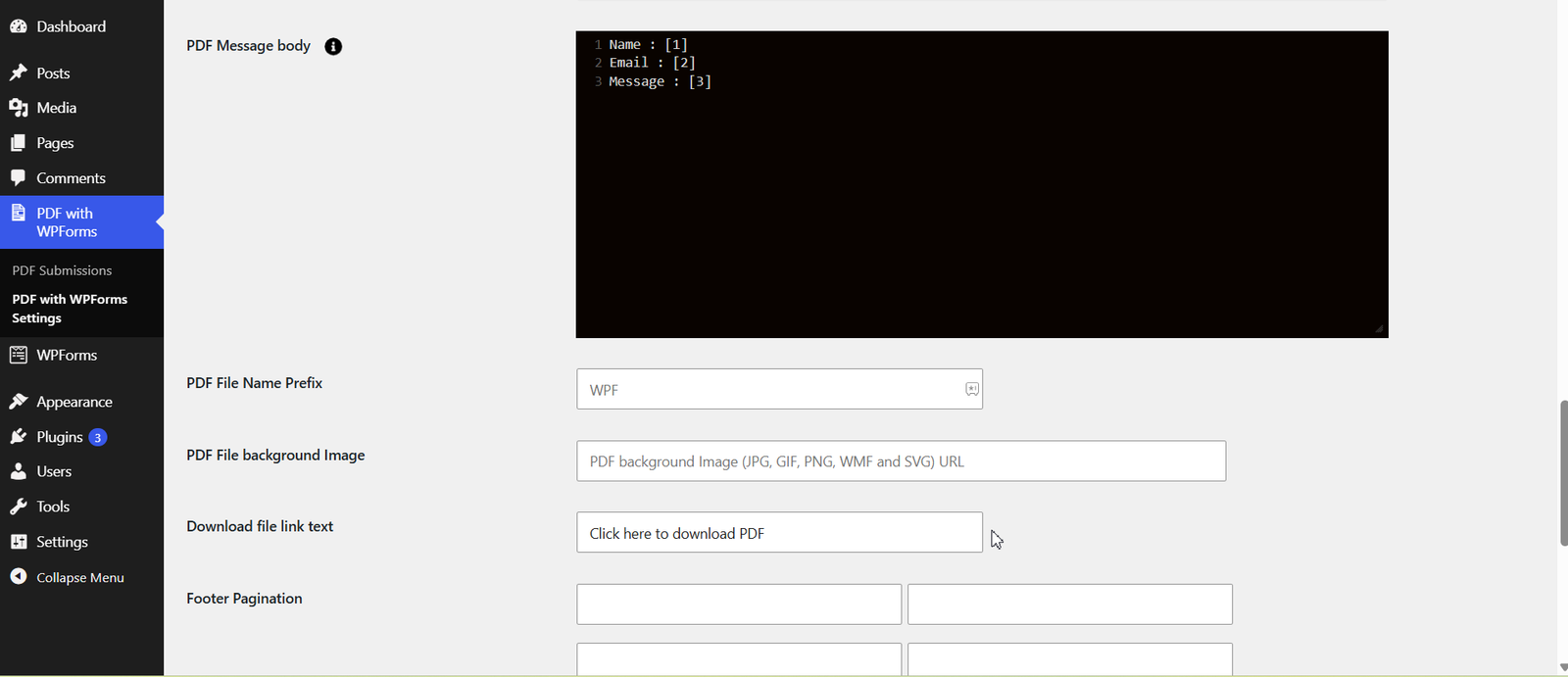
- Admin can create their own PDF with submitted Data in the Form
- Admin can customize your PDF form by adding a logo on the Header and other relevant Form * Fields while sending a Thank You Message to the user.
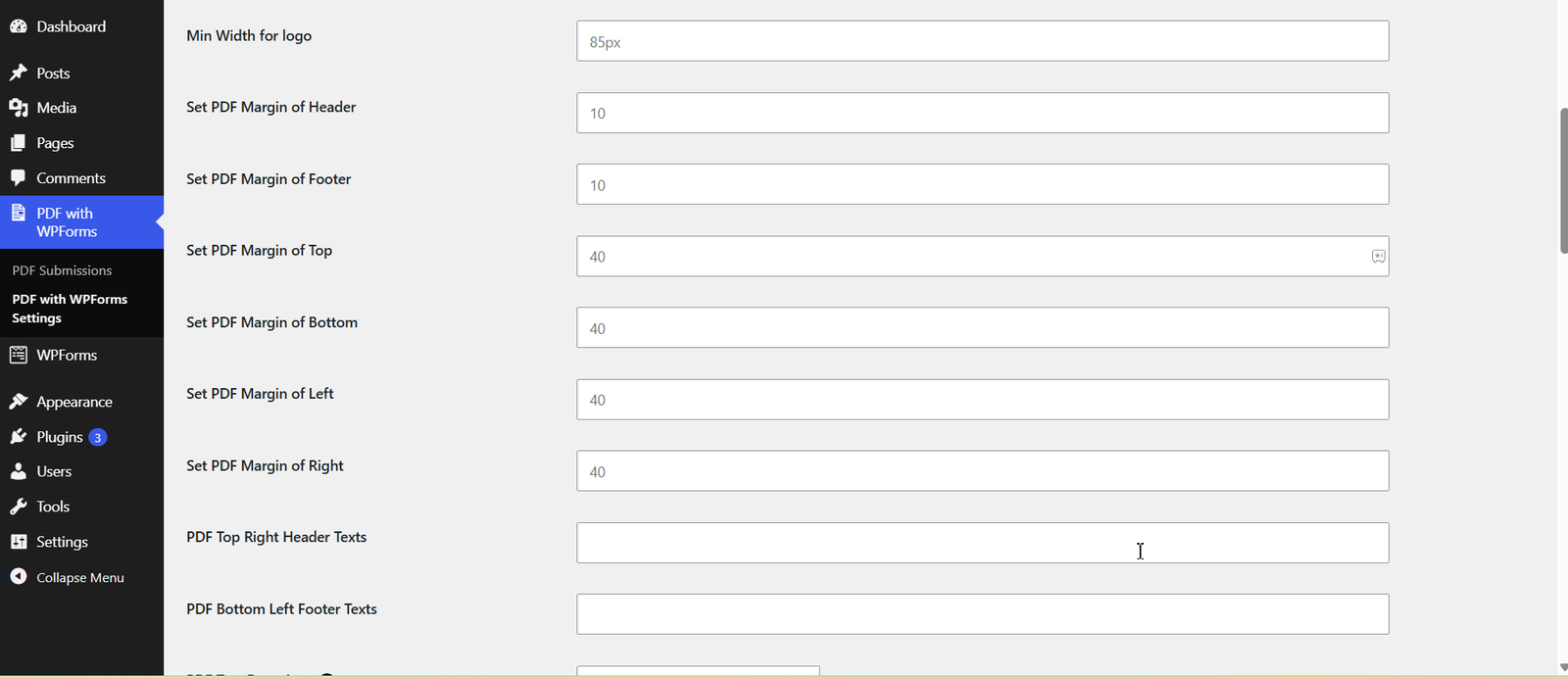
- Ablity to Update PDF Header/Footer Text.
- Ability to add file option with our PDF attachement in mail.
- We can use Page Break and new content will be move on next pages in PDF.
- For Acceptance Field use particular tag in PDF editor then only it’s showing proper value. Ex. [acceptance-] Start tag as example then you can use any word for tags like [acceptance-terms-condition] OR [acceptance-policy] etc.
- You can set file name from admin also use any form tag instead of file name.
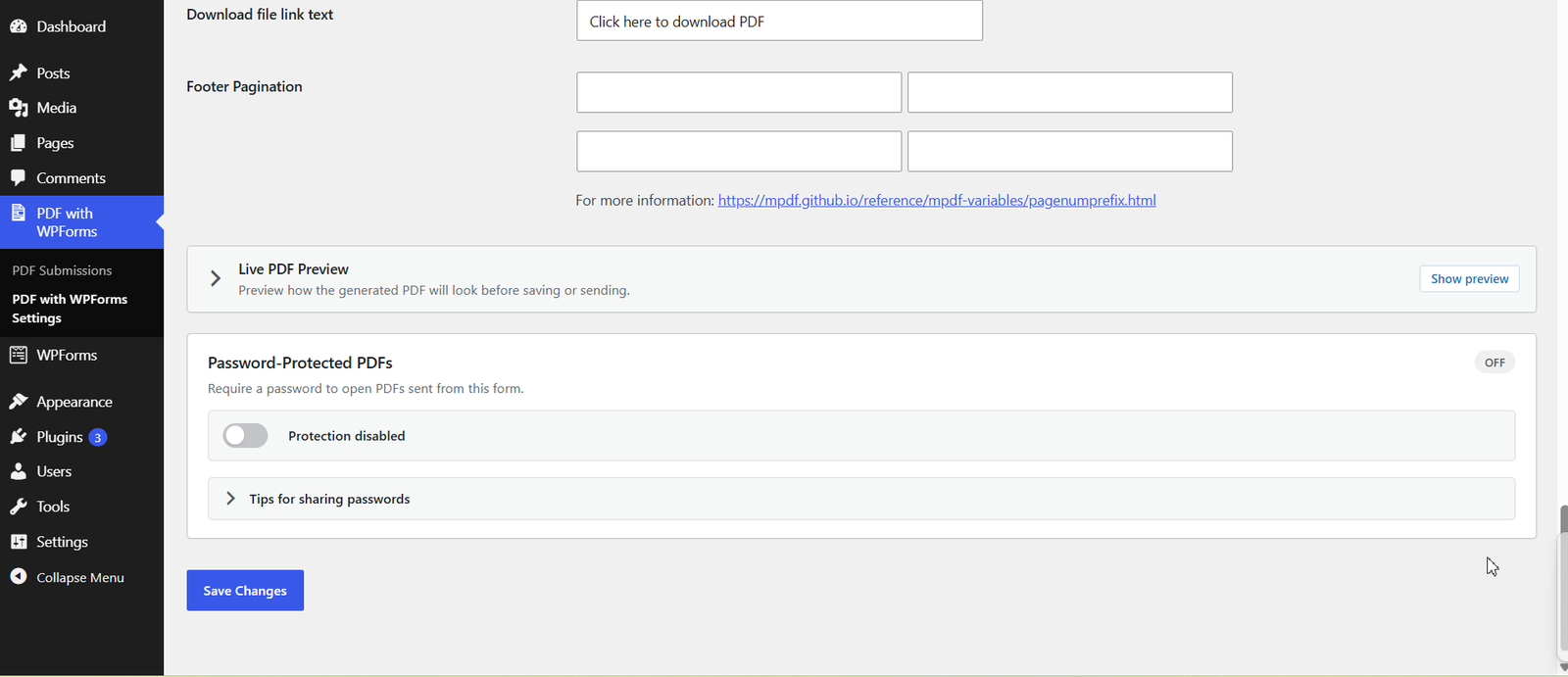
- Add Page number options in admin so you can add Text with PDF page number.
- Ability to set font size of PDF content.
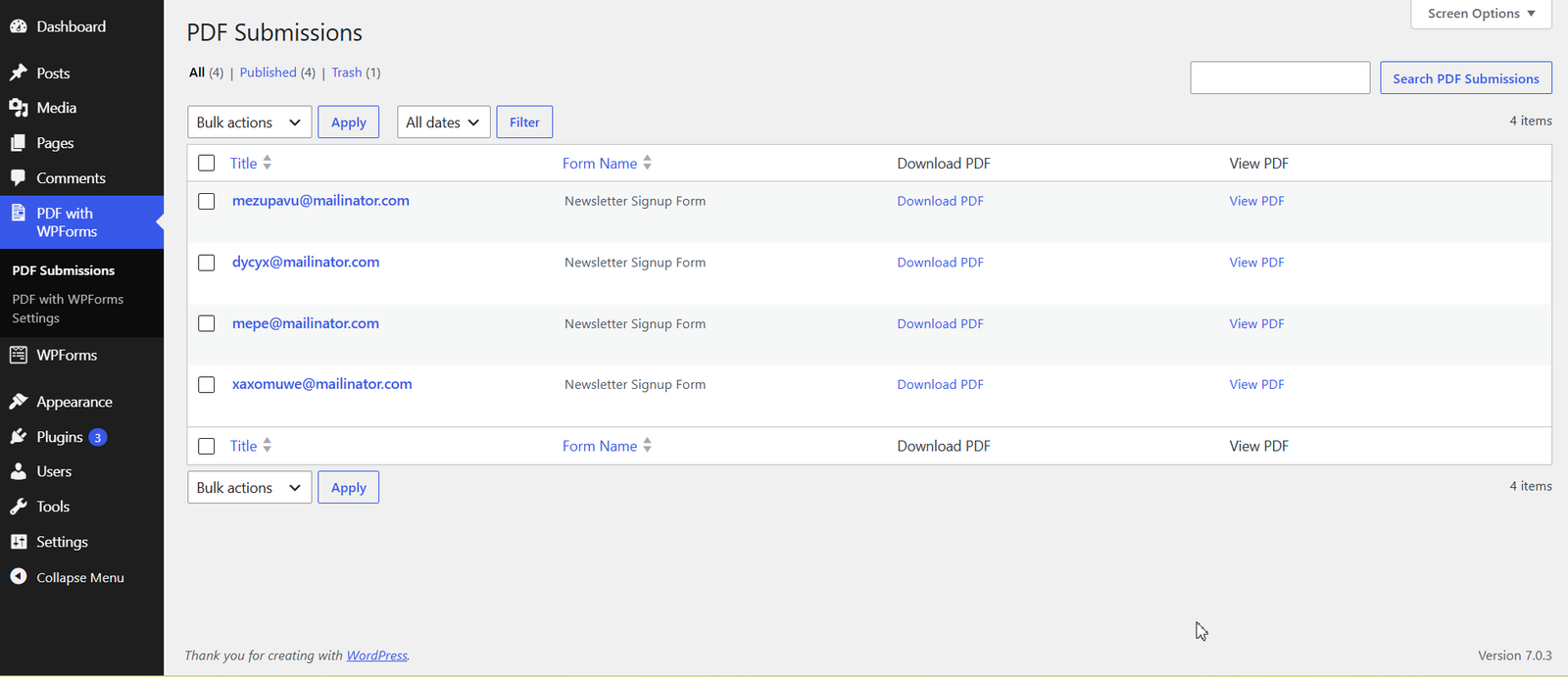
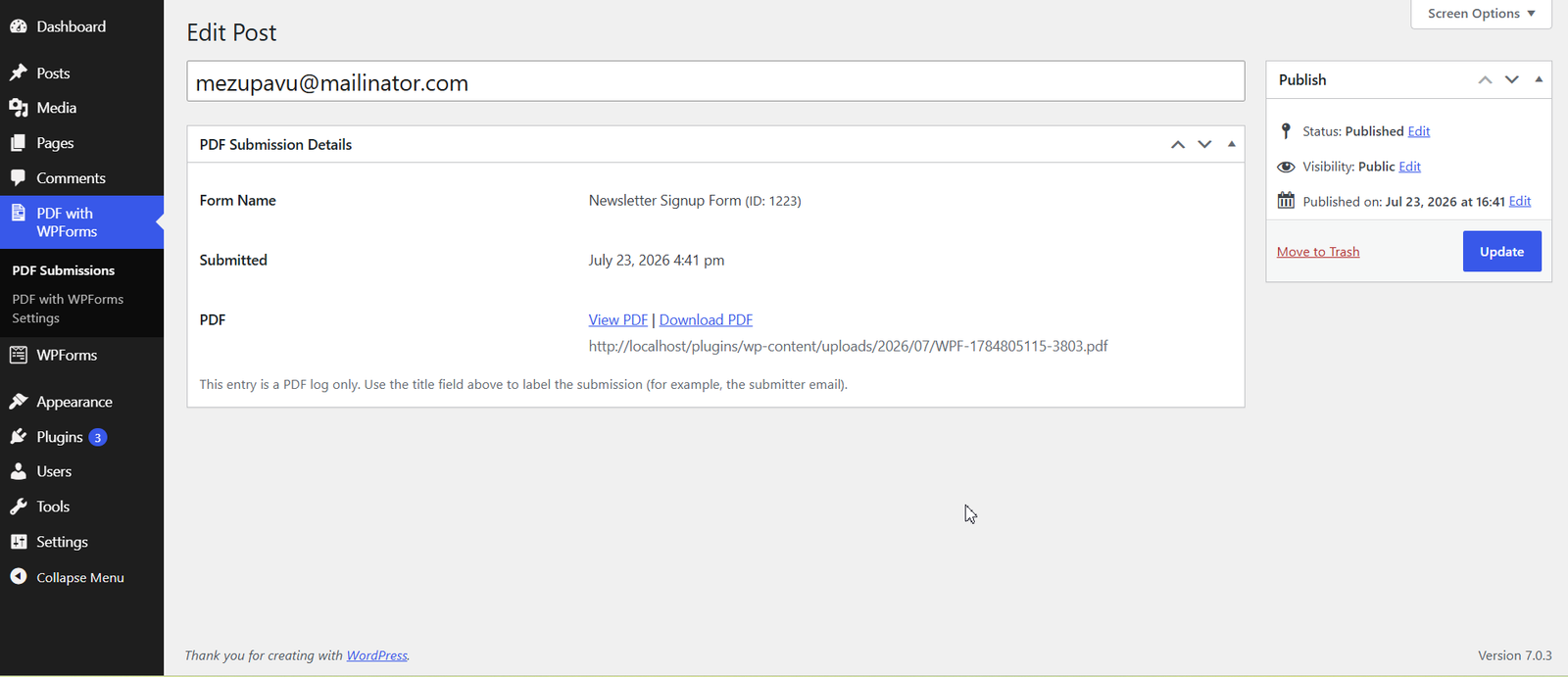
- PDF Submission List: Keep all your form submissions organized and accessible in PDF format for easy viewing and record-keeping.
- Dedicated PDF Menu in Admin Panel: Quickly manage, view, and configure PDFs from a separate, easy-to-use menu in the WordPress admin dashboard.
- Live PDF Preview: See exactly how your PDF will look before saving or sending, ensuring perfect formatting every time.
- Password-Protected PDFs: Secure your generated PDFs with a password to control who can access sensitive information.
- Compatibility of WordPress VIP.