Why choose Thenameda Form Payments with Stripe for WPForms Pro
Thenameda Form Payments with Stripe for WPForms Pro is built for WordPress sites that need a dependable plugin with straightforward configuration, practical features, and documentation you can follow without guesswork.
Who it is for
Use Thenameda Form Payments with Stripe for WPForms Pro if you want faster setup, clearer notifications or form workflows, and a product designed for real client and store projects.
Get started
Install Thenameda Form Payments with Stripe for WPForms Pro, configure the settings page, run a quick test, and connect it to your existing WooCommerce or WPForms workflow.
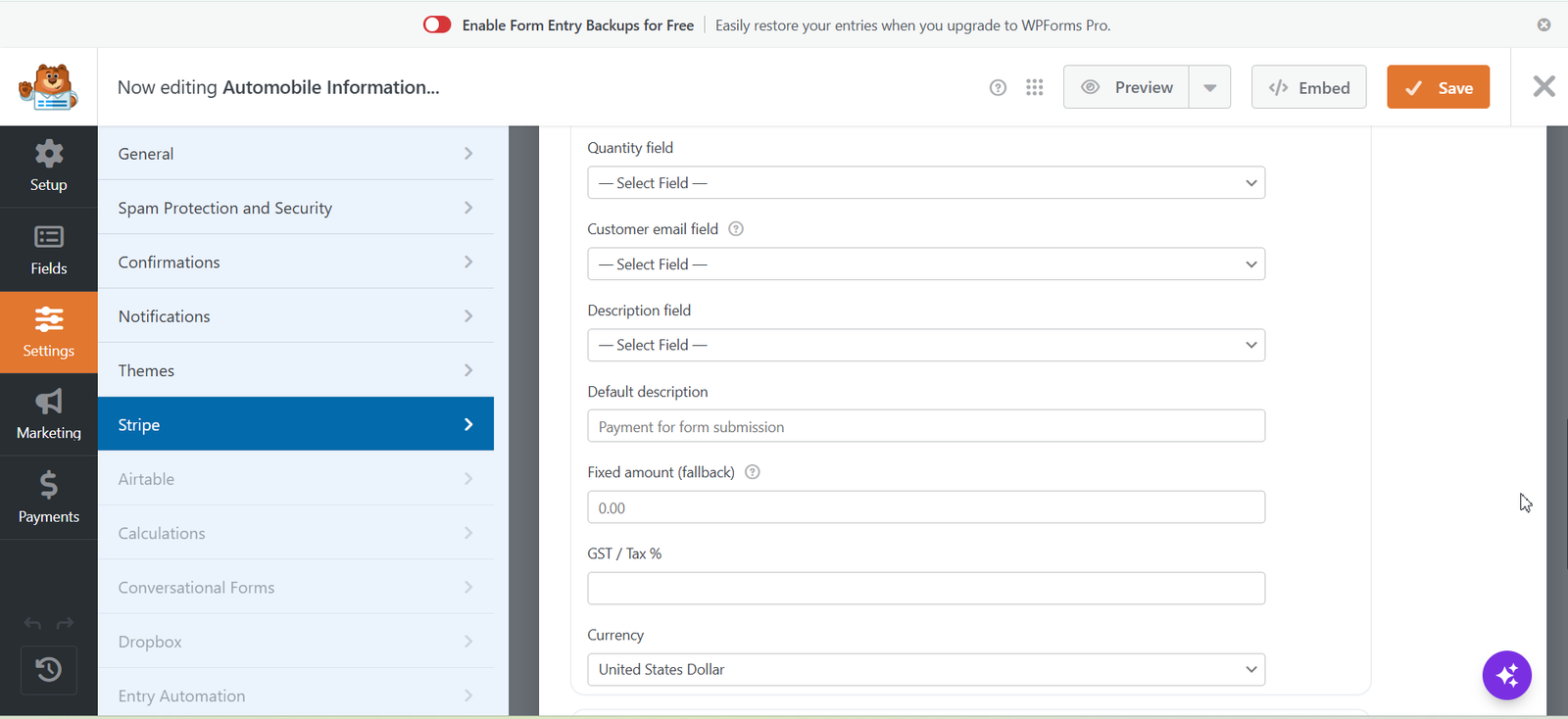
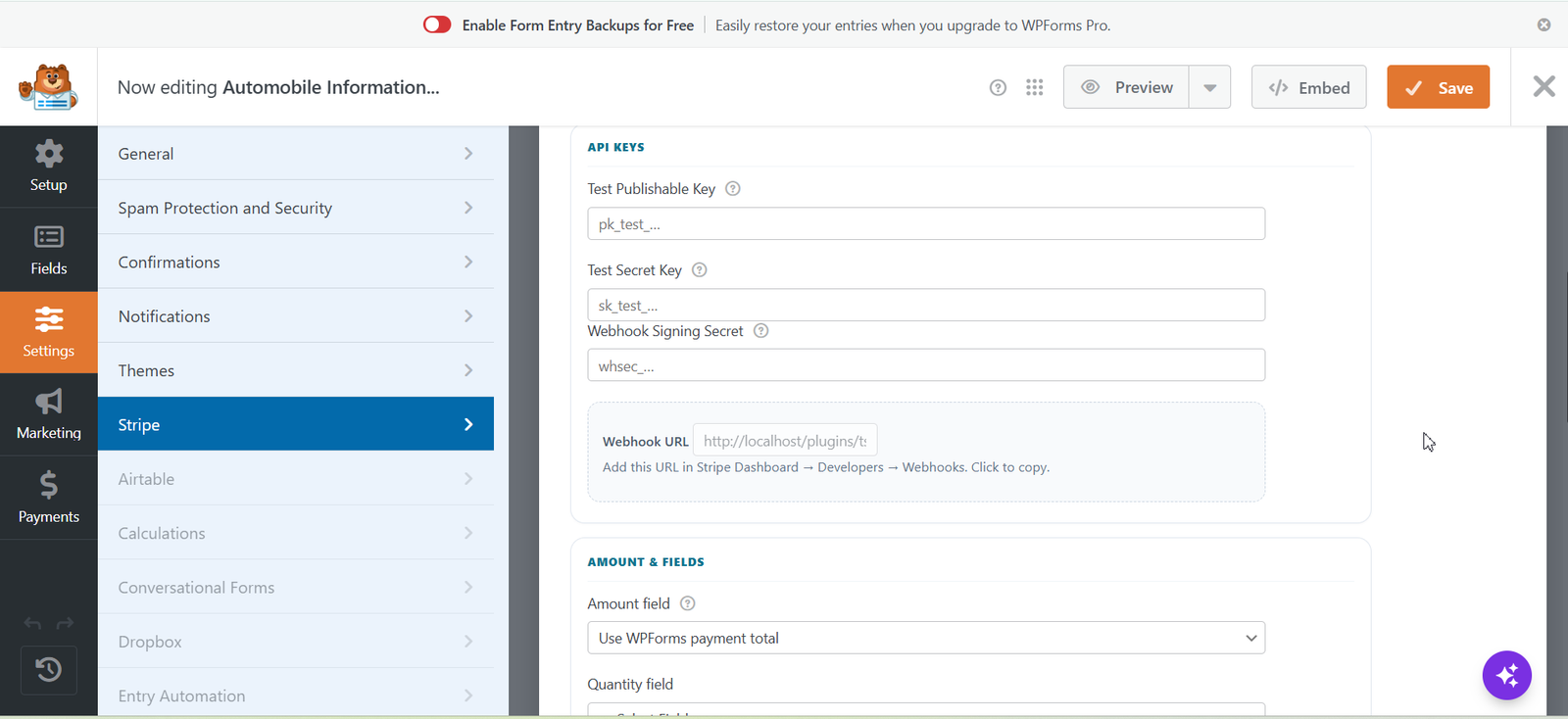
Thenameda Form Payments with Stripe for WPForms Pro adds secure Stripe checkout to any WPForms form (Lite or Pro). Payments use Stripe Payment Intents and Stripe Elements so Strong Customer Authentication (SCA / 3D Secure) is handled correctly. Pro features- Stripe Elements card field – PCI-friendly card capture mounted inside WPForms
- Payment Intents + SCA – confirmCardPayment with 3D Secure / requires_action support
- Test & live modes – separate publishable/secret keys per form
- Fixed amount or mapped amount fields quantity, GST/tax percentage, multi-currency
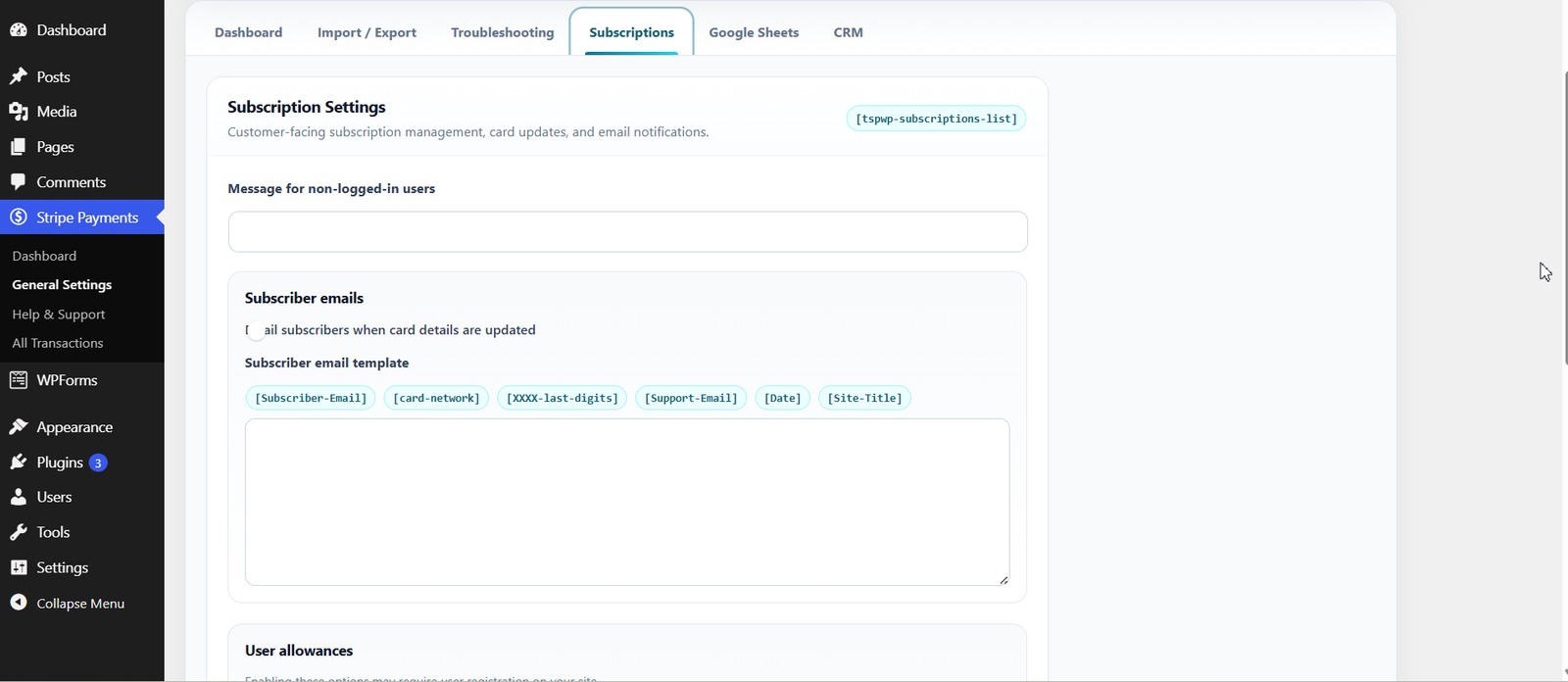
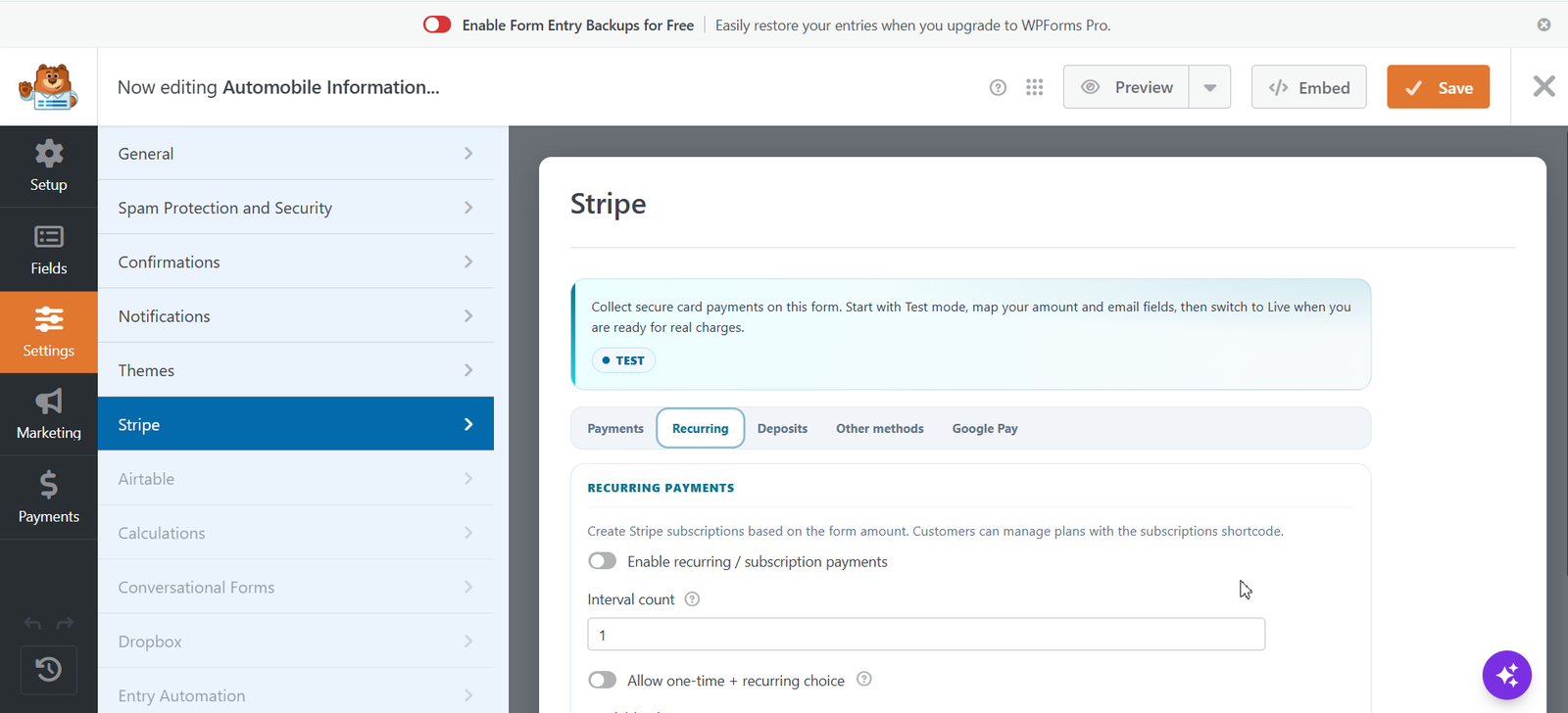
- Subscriptions / recurring weekly, monthly, yearly plans with interval count
- One-time + recurring choice – let payers choose on the form
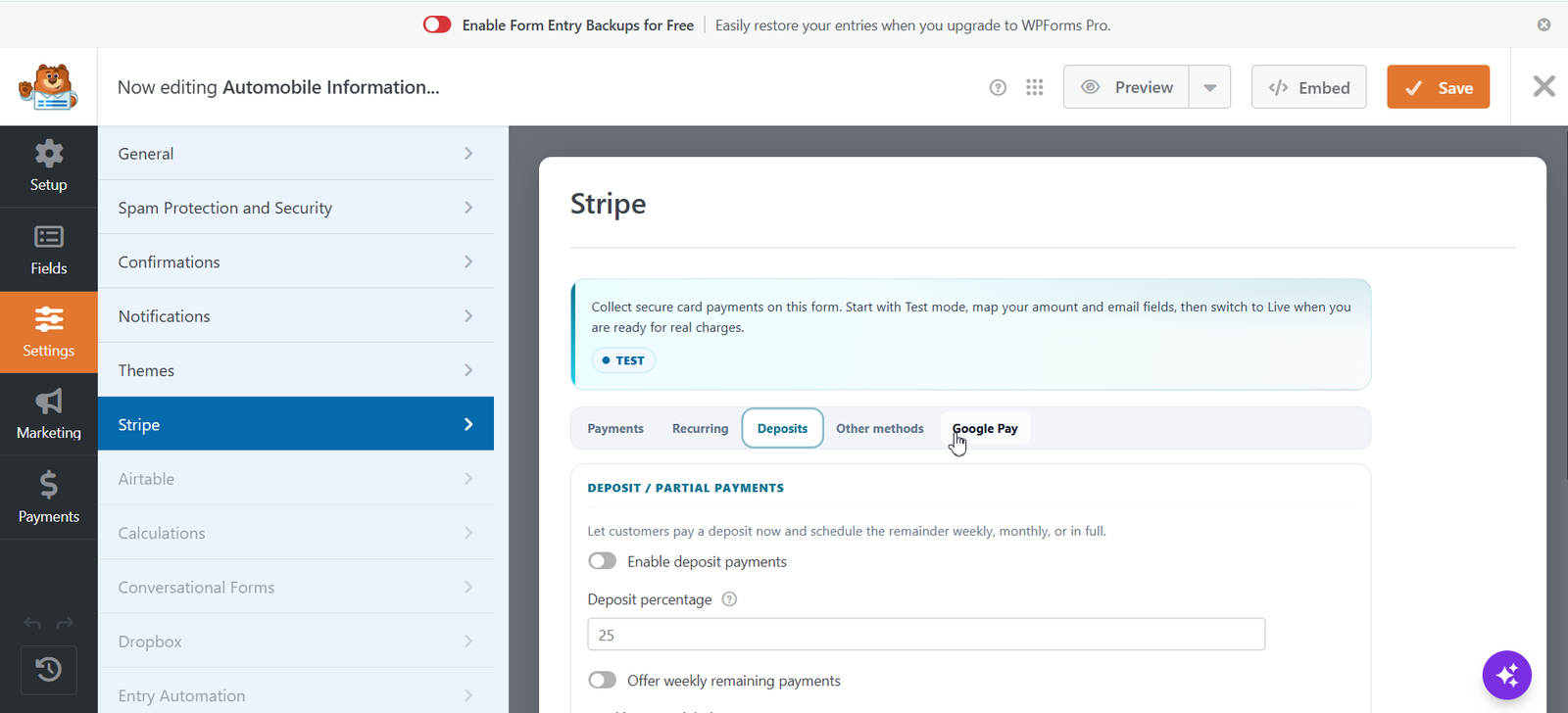
- Deposits – week / month / full payment schedules with custom labels
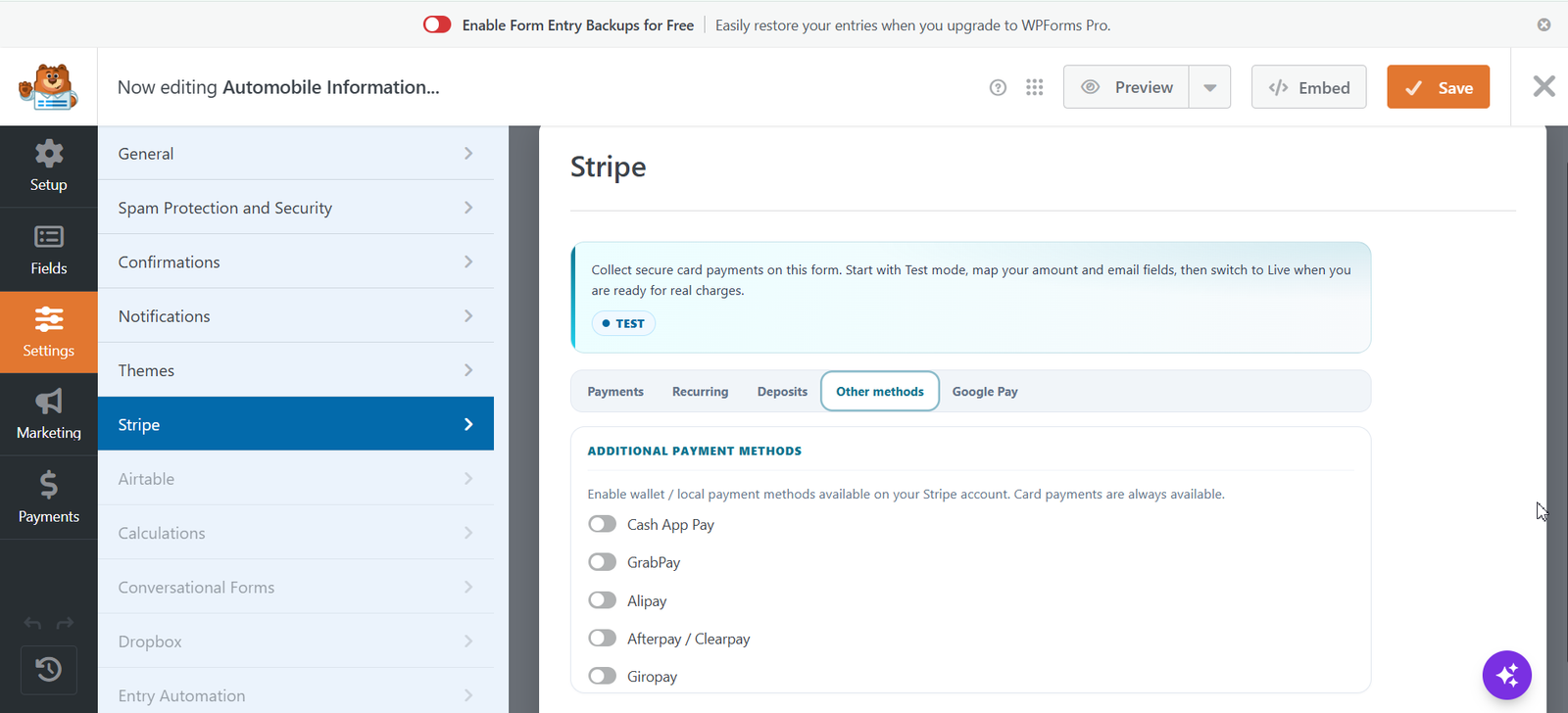
- Wallets – Cash App, GrabPay, Alipay, Afterpay, Giropay
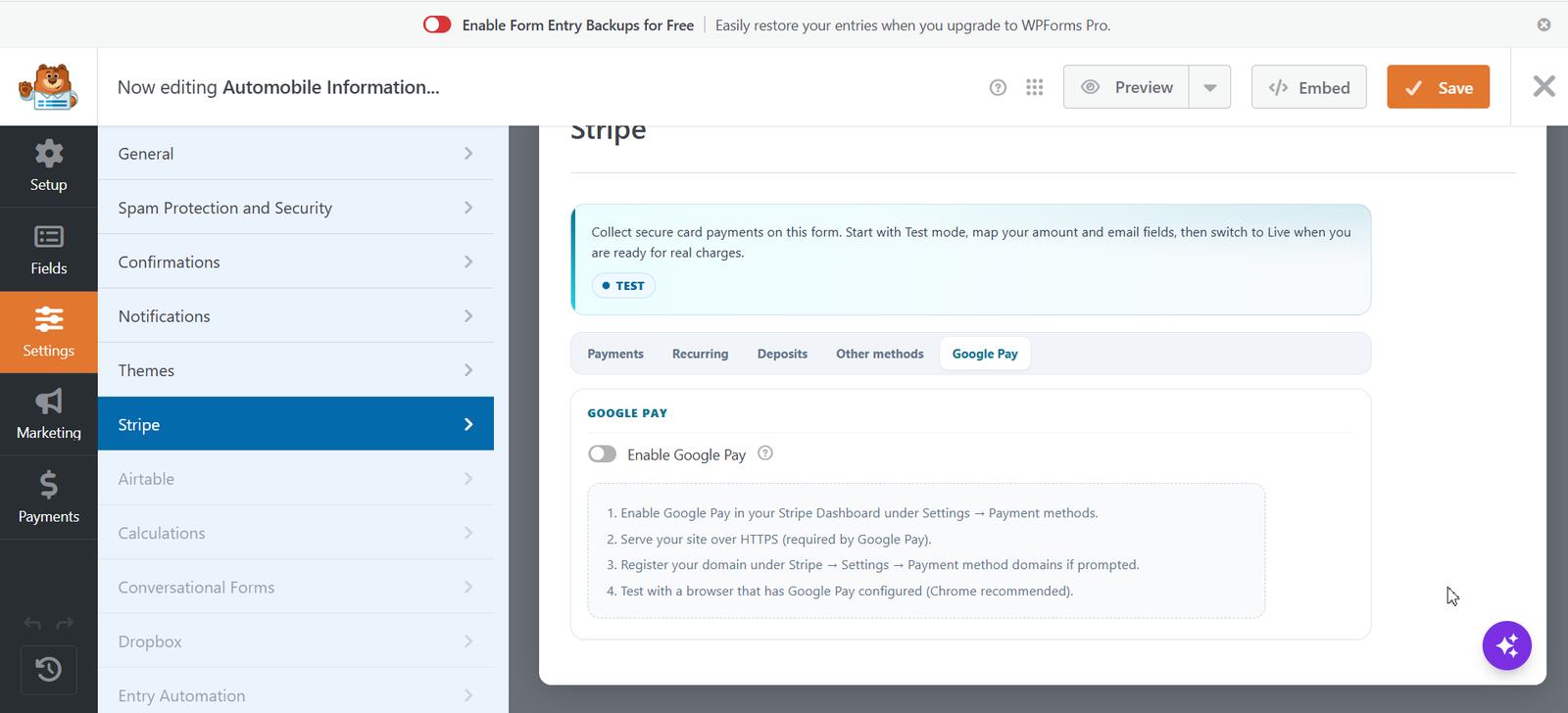
- Google Pay – Payment Request Button via Stripe
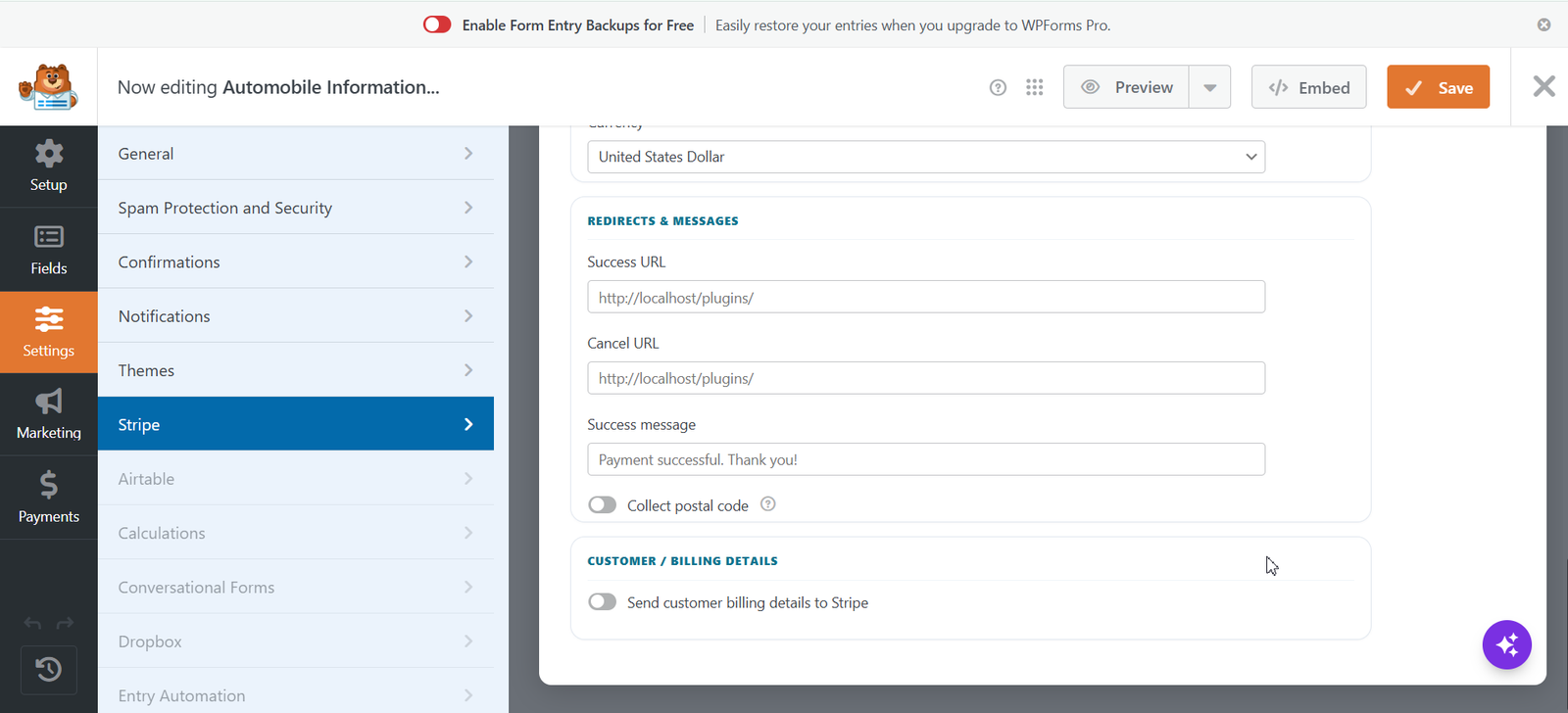
- Billing field mapping – name, email, address for Stripe Customer / PaymentMethod
- Refunds from the transaction detail screen
- Cancel / upgrade / downgrade subscription tools
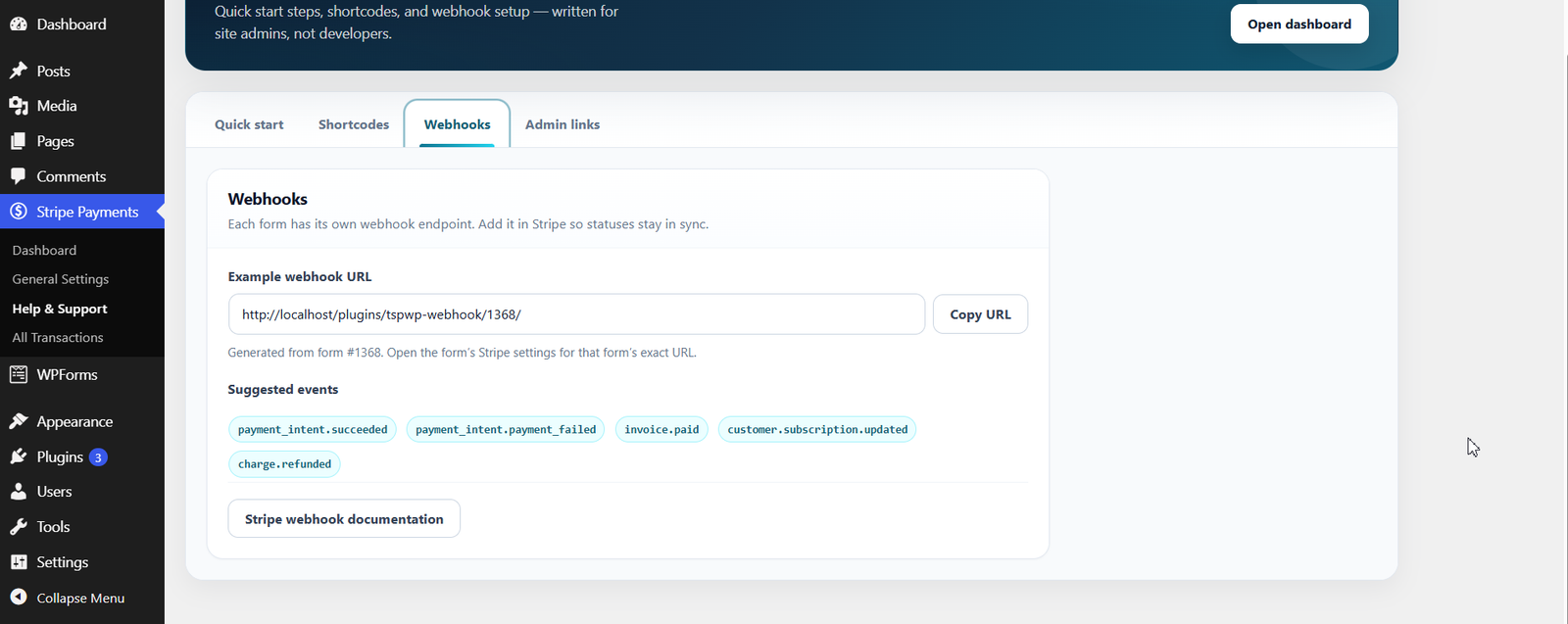
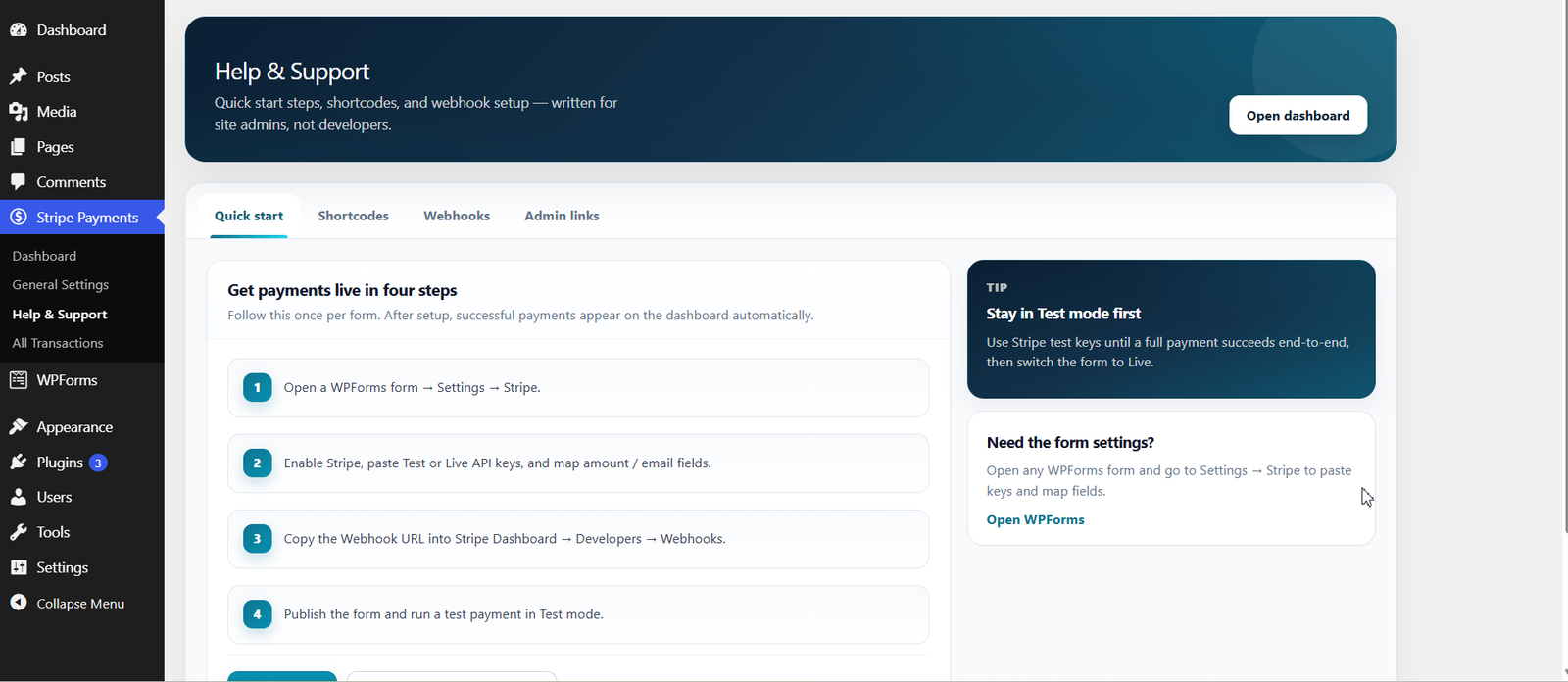
- Stripe webhooks for payment & subscription lifecycle updates
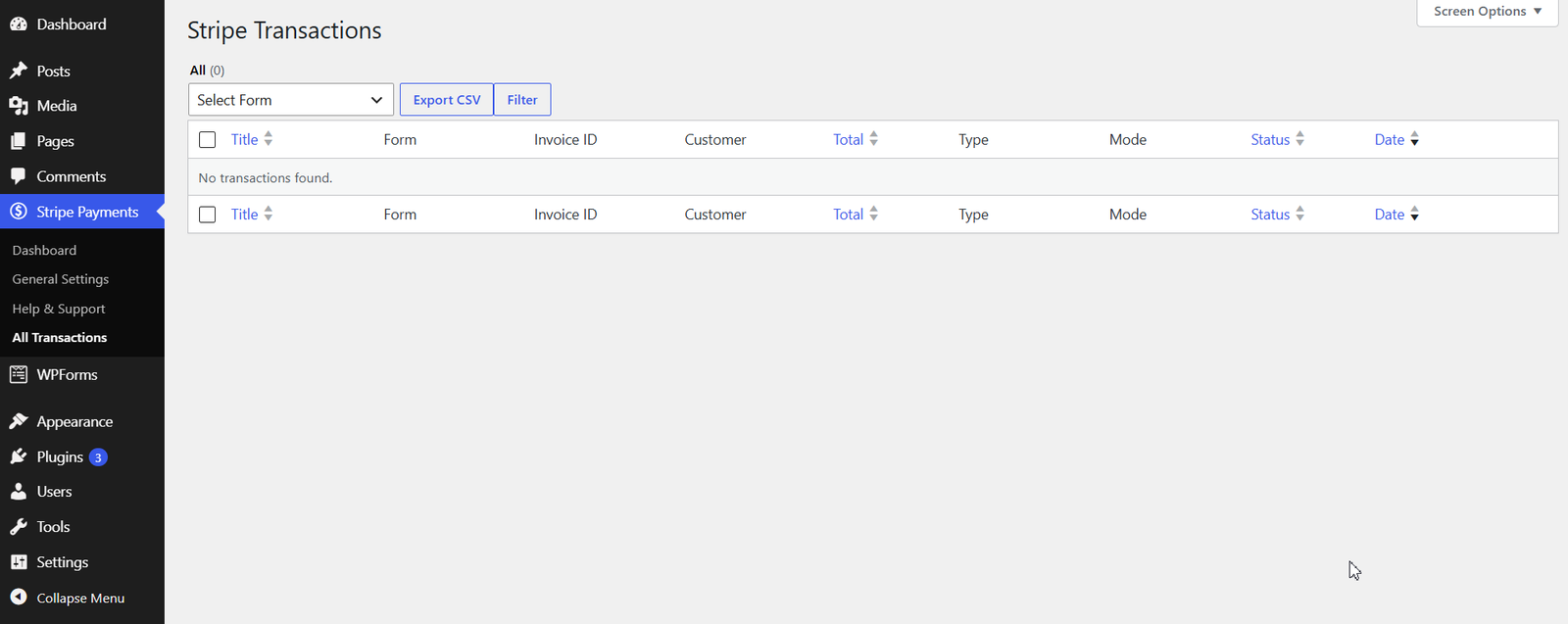
- Transaction CPT with searchable admin list and detail view
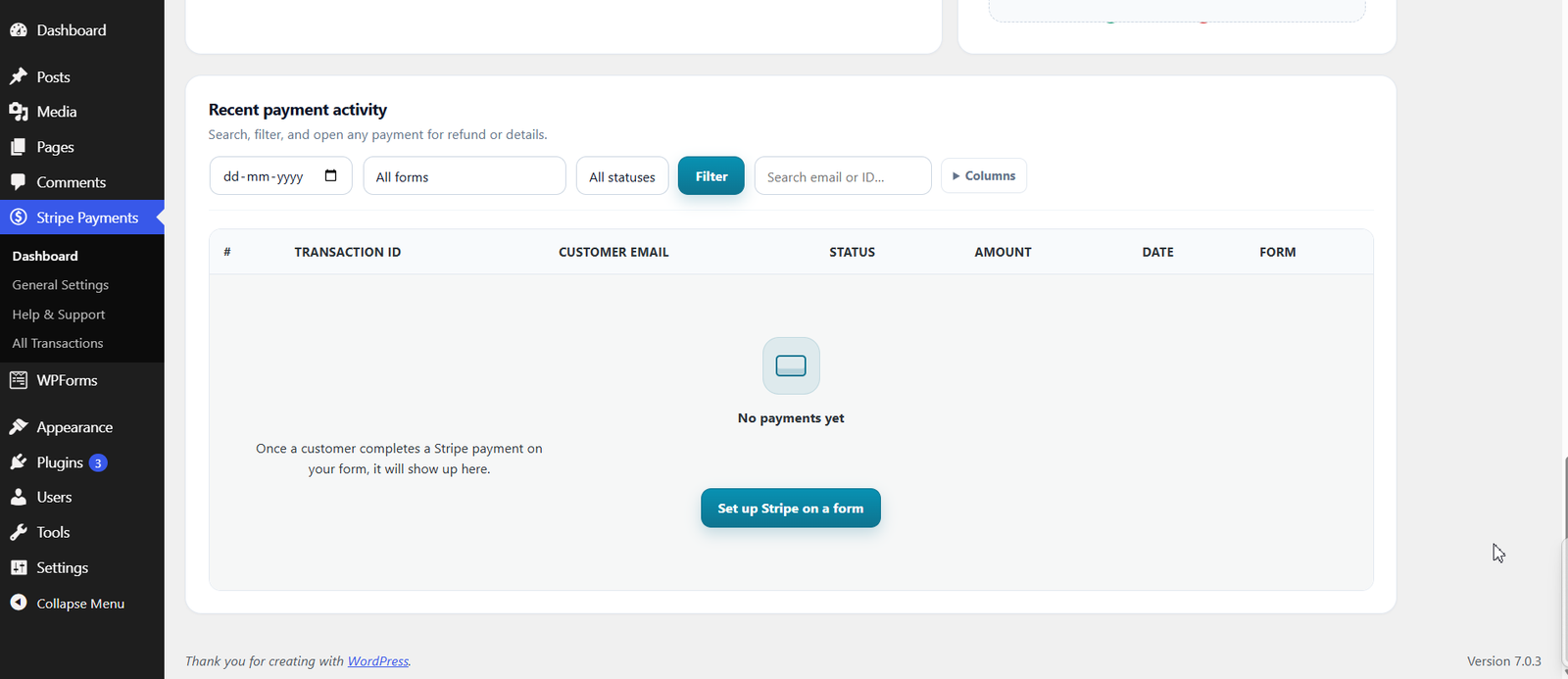
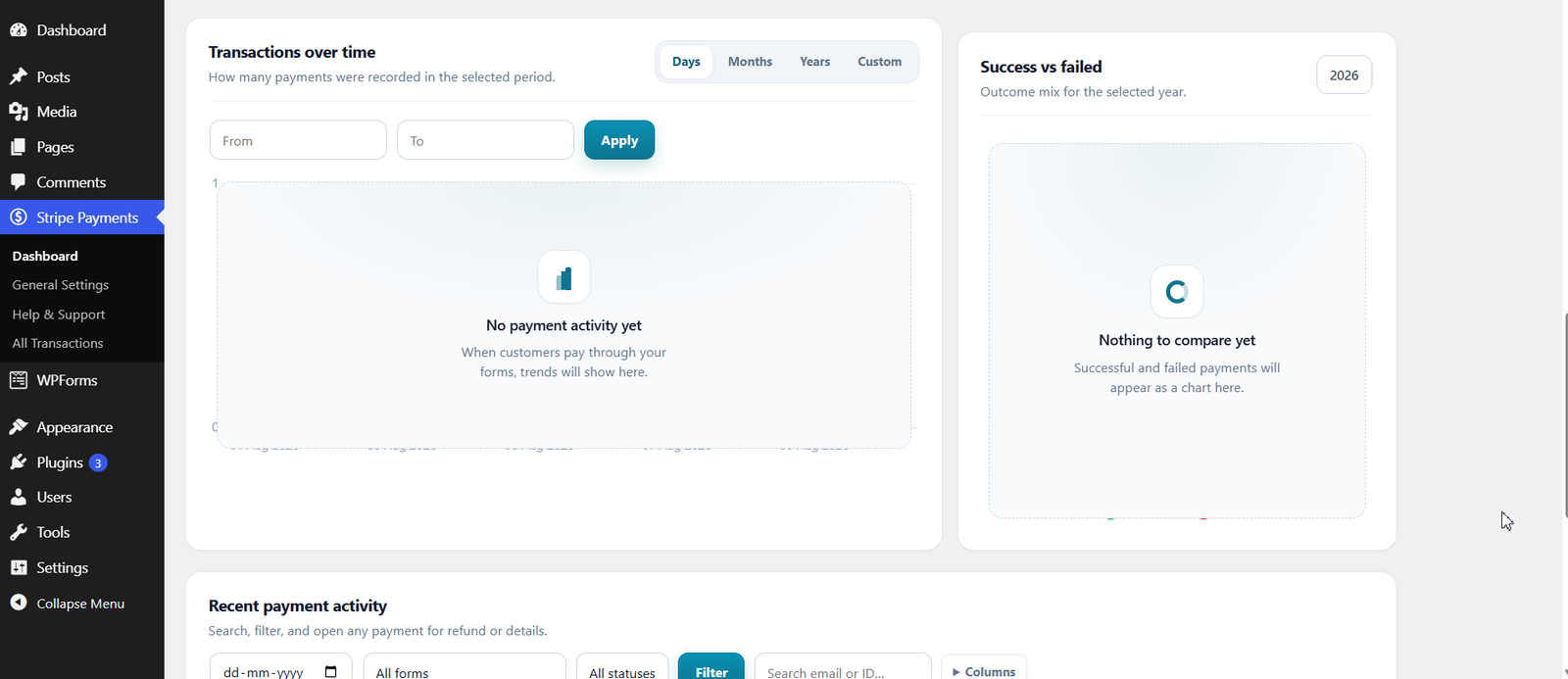
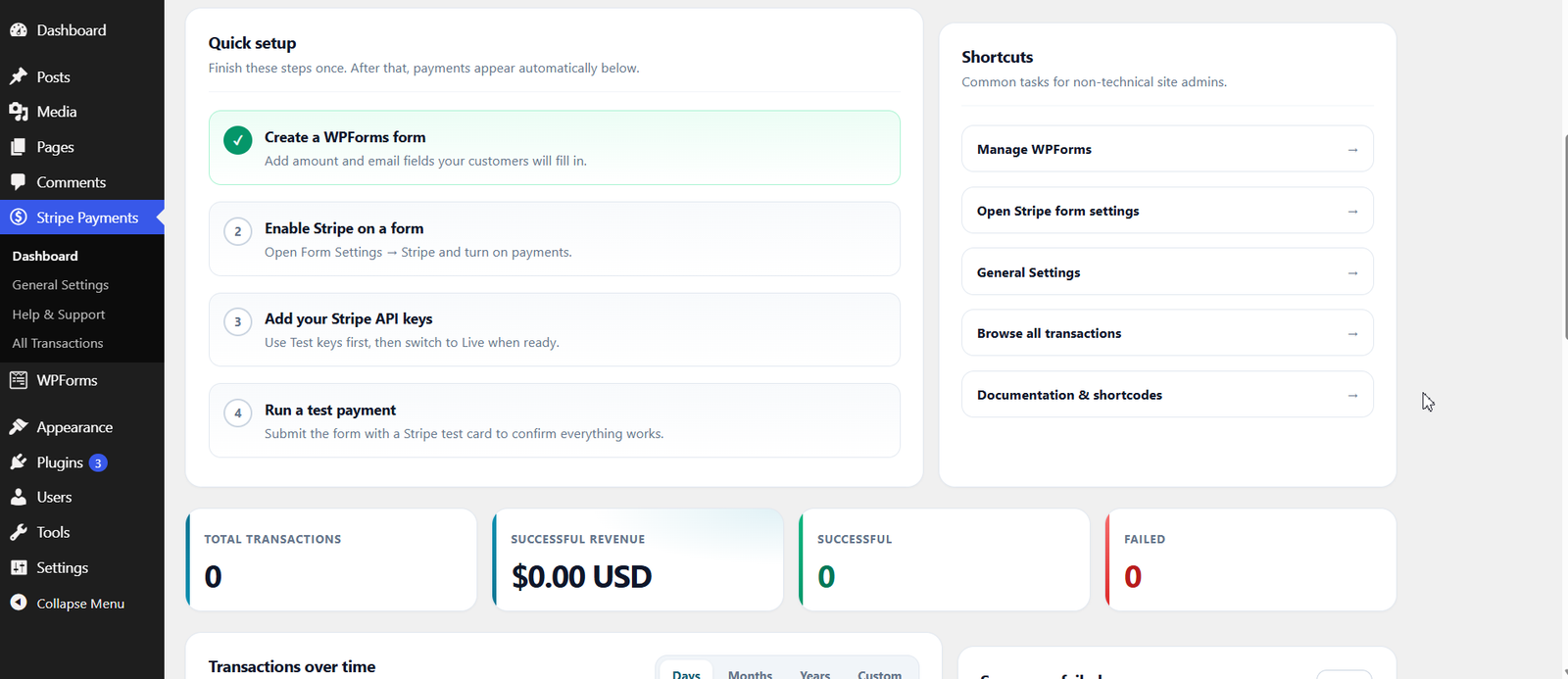
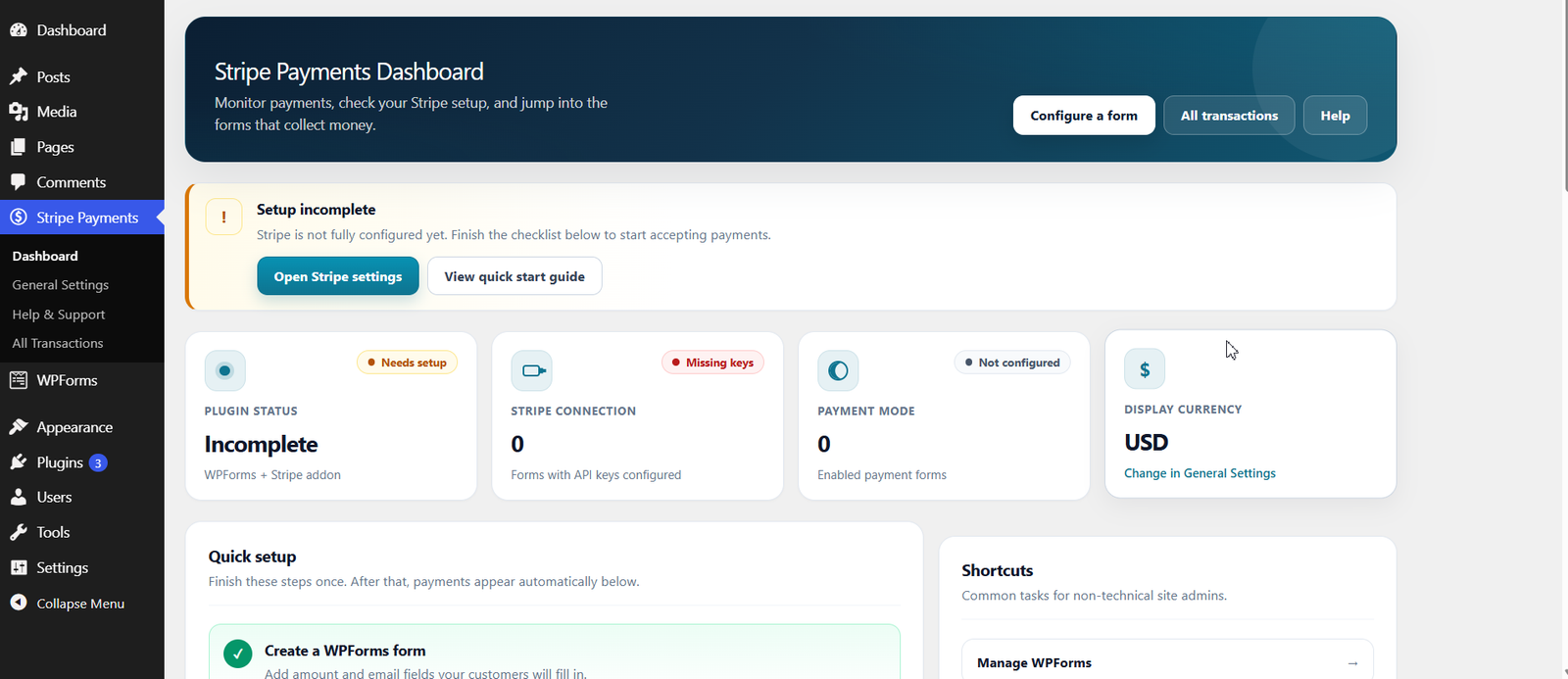
- Dashboard – totals, success/failed cards, Chart.js graphs, column show/hide
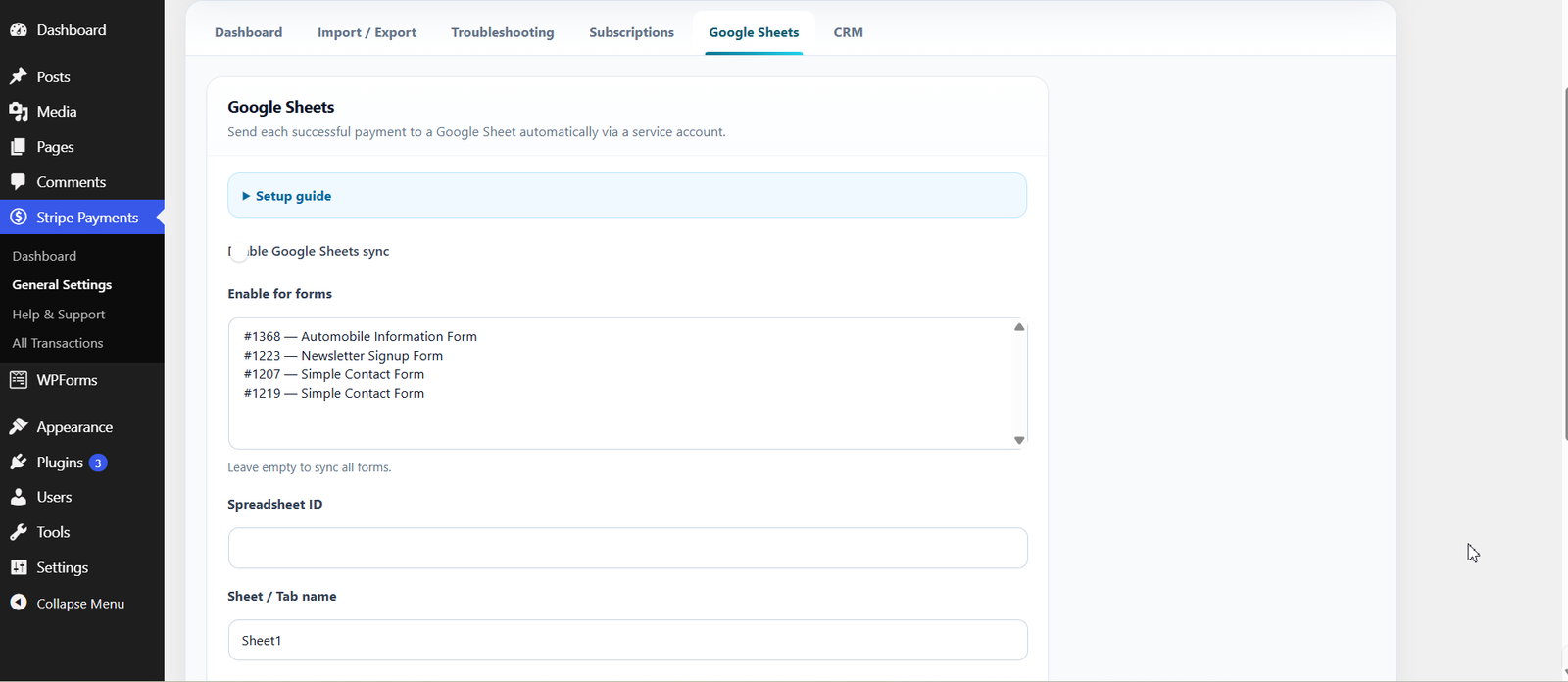
- Google Sheets sync – append successful payments via service account JWT
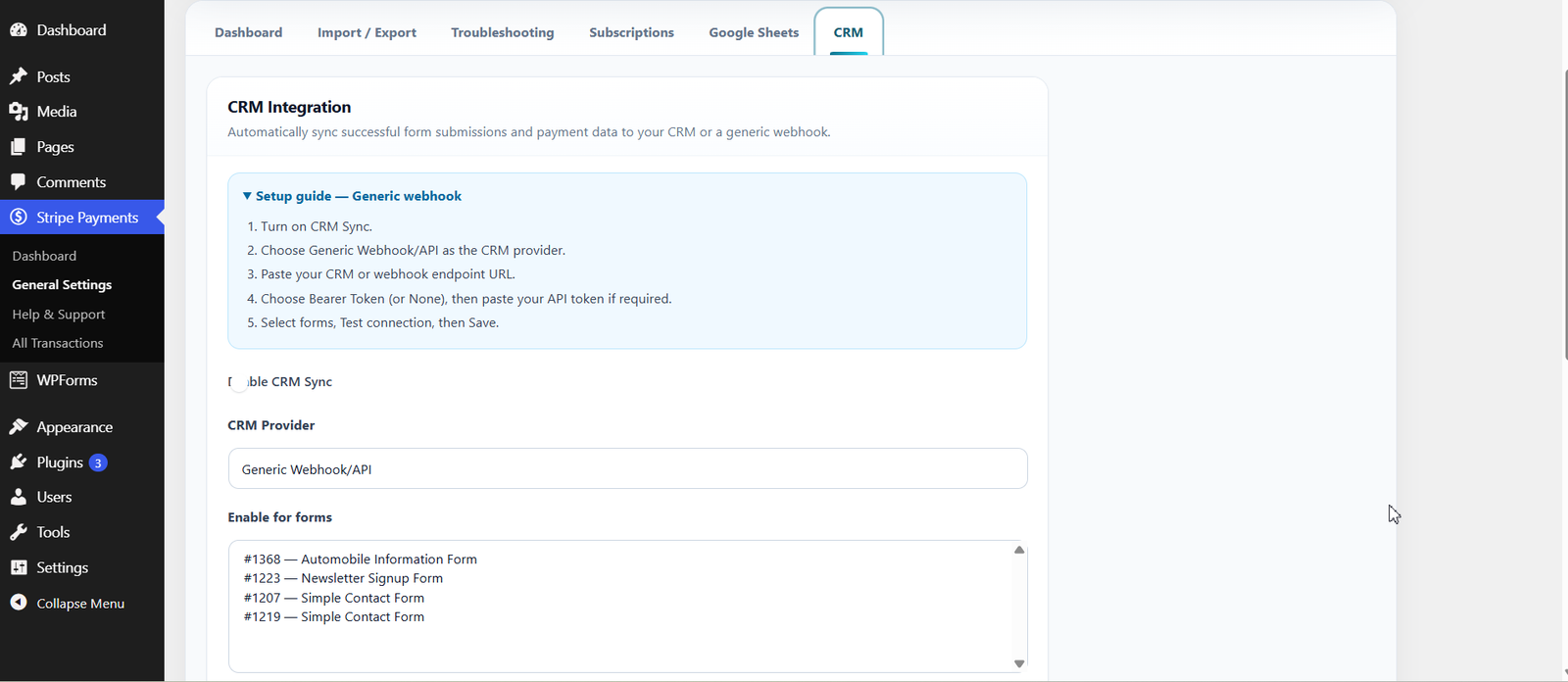
- CRM sync – Zoho CRM or generic webhook on success, with test connection
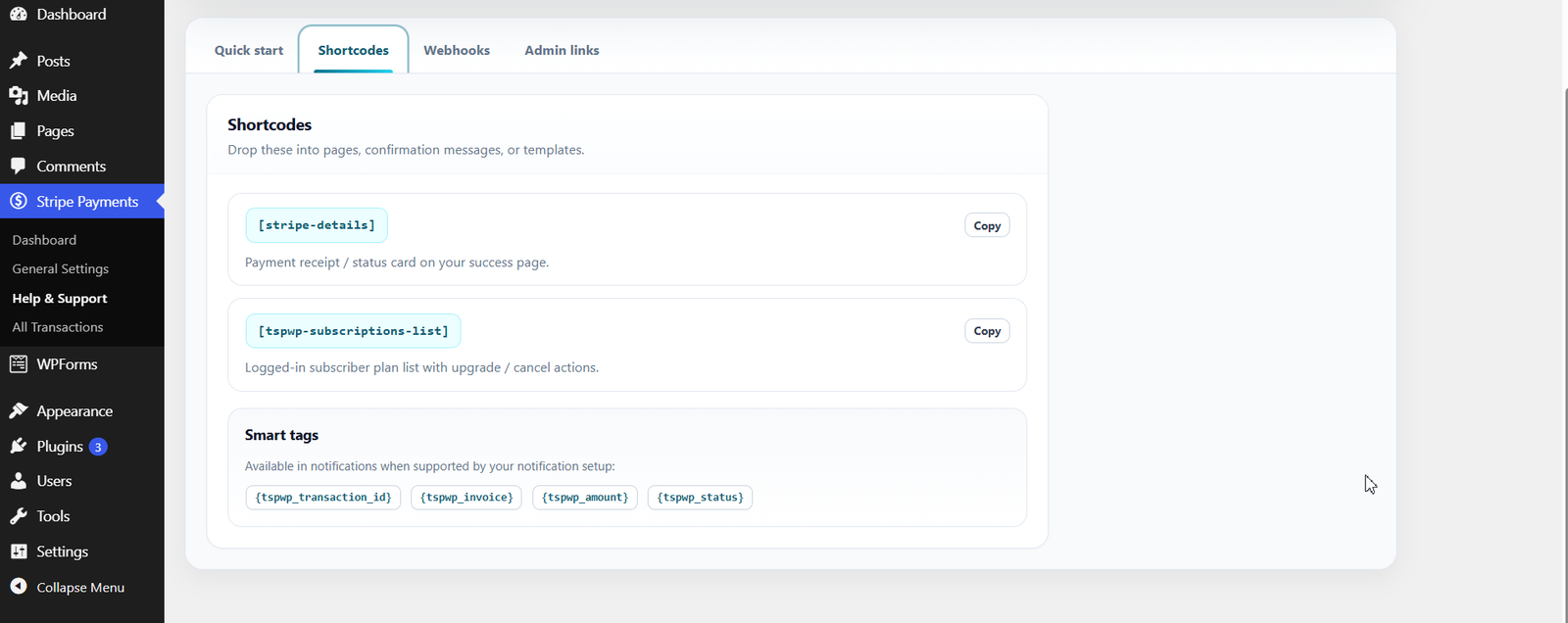
- Smart tags for confirmations and notifications
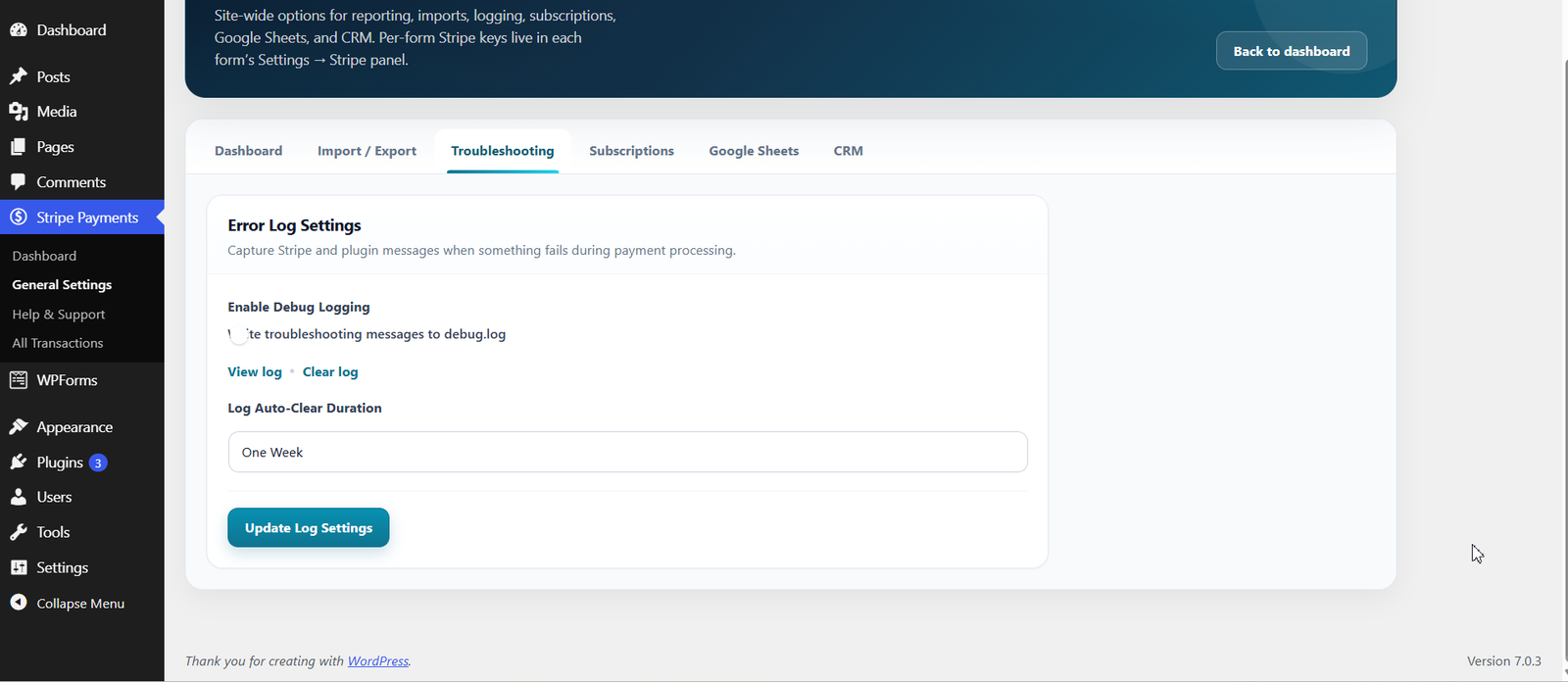
- Debug logging with scheduled log cleanup
- Multipage WPForms – charges only on the final submit, not intermediate pages