Why choose Payments with SagePay for WPForms
Payments with SagePay for WPForms is built for WordPress sites that need a dependable plugin with straightforward configuration, practical features, and documentation you can follow without guesswork.
Who it is for
Use Payments with SagePay for WPForms if you want faster setup, clearer notifications or form workflows, and a product designed for real client and store projects.
Get started
Install Payments with SagePay for WPForms, configure the settings page, run a quick test, and connect it to your existing WooCommerce or WPForms workflow.
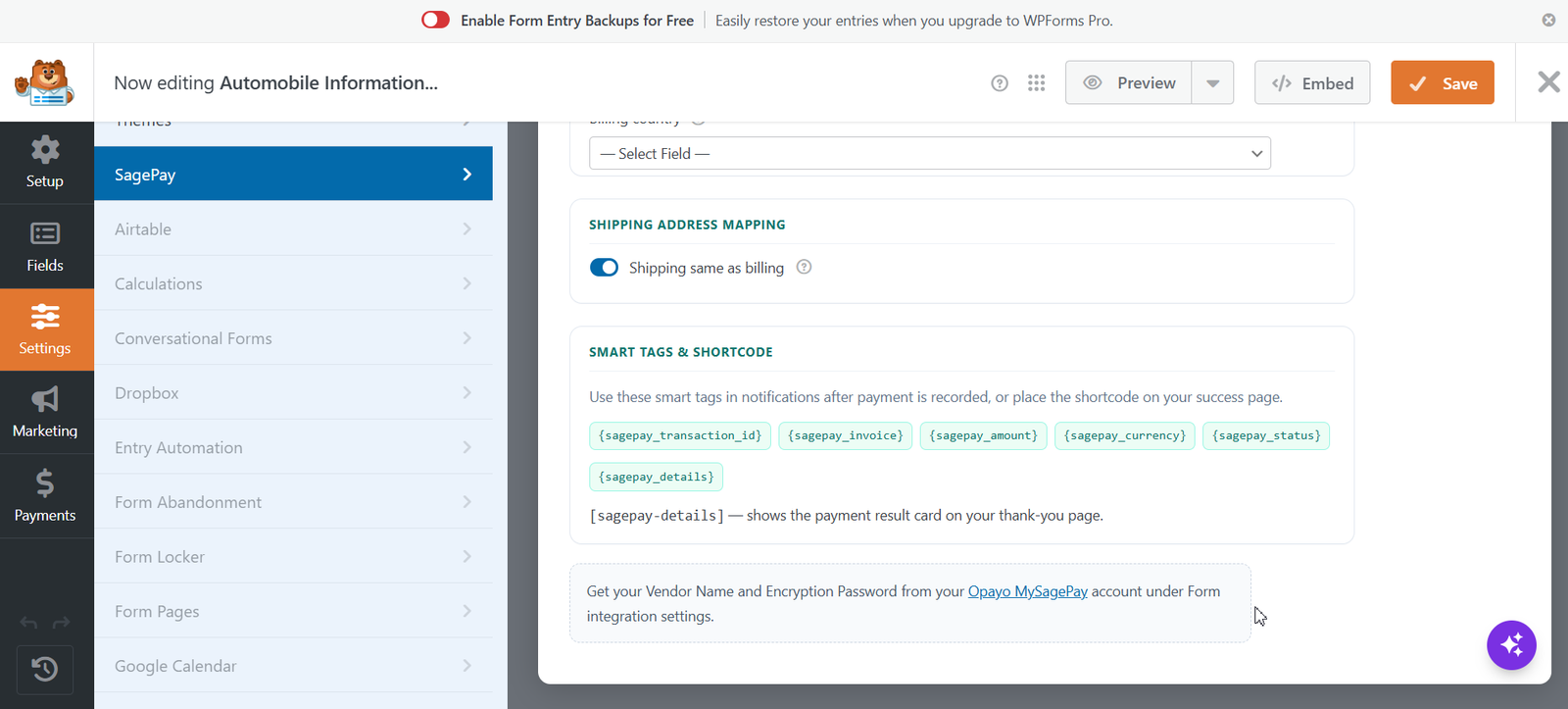
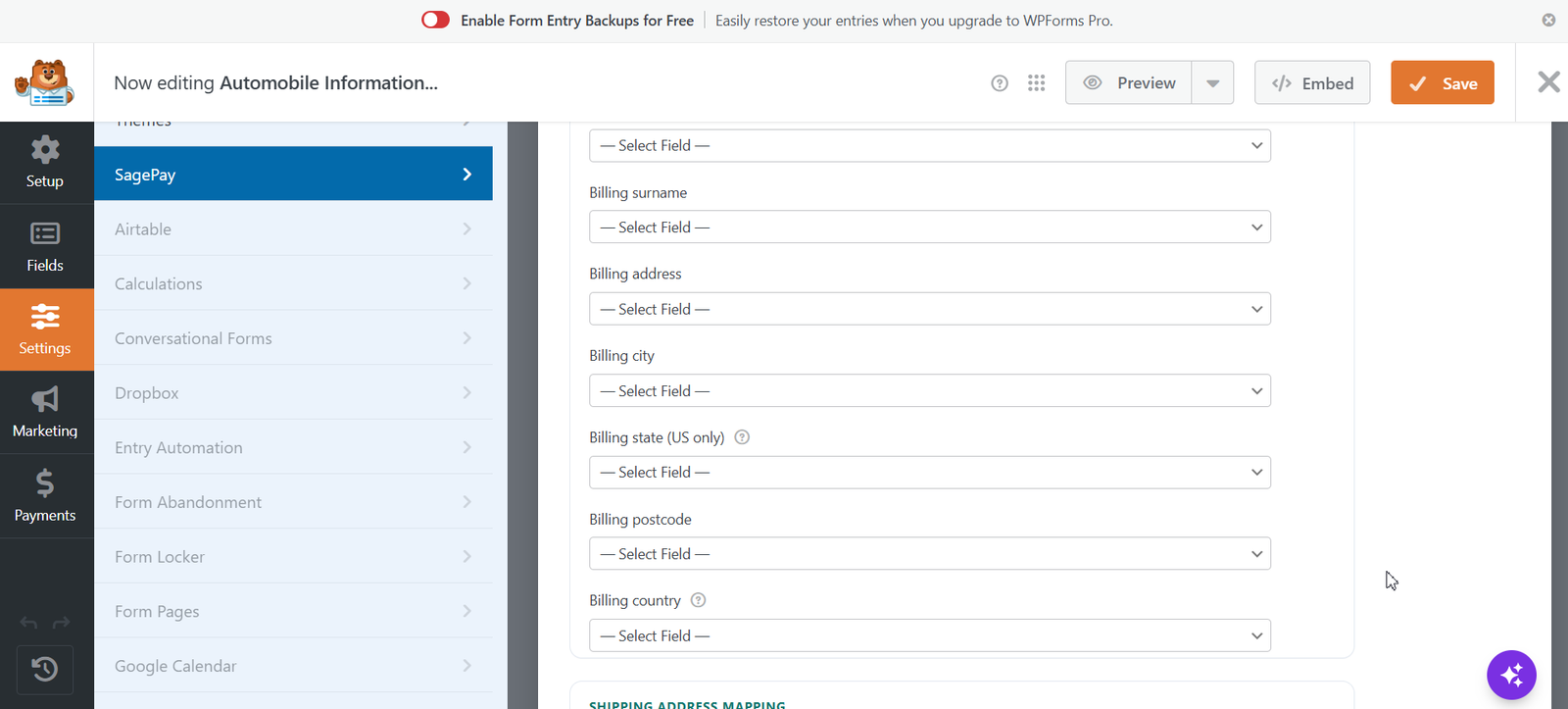
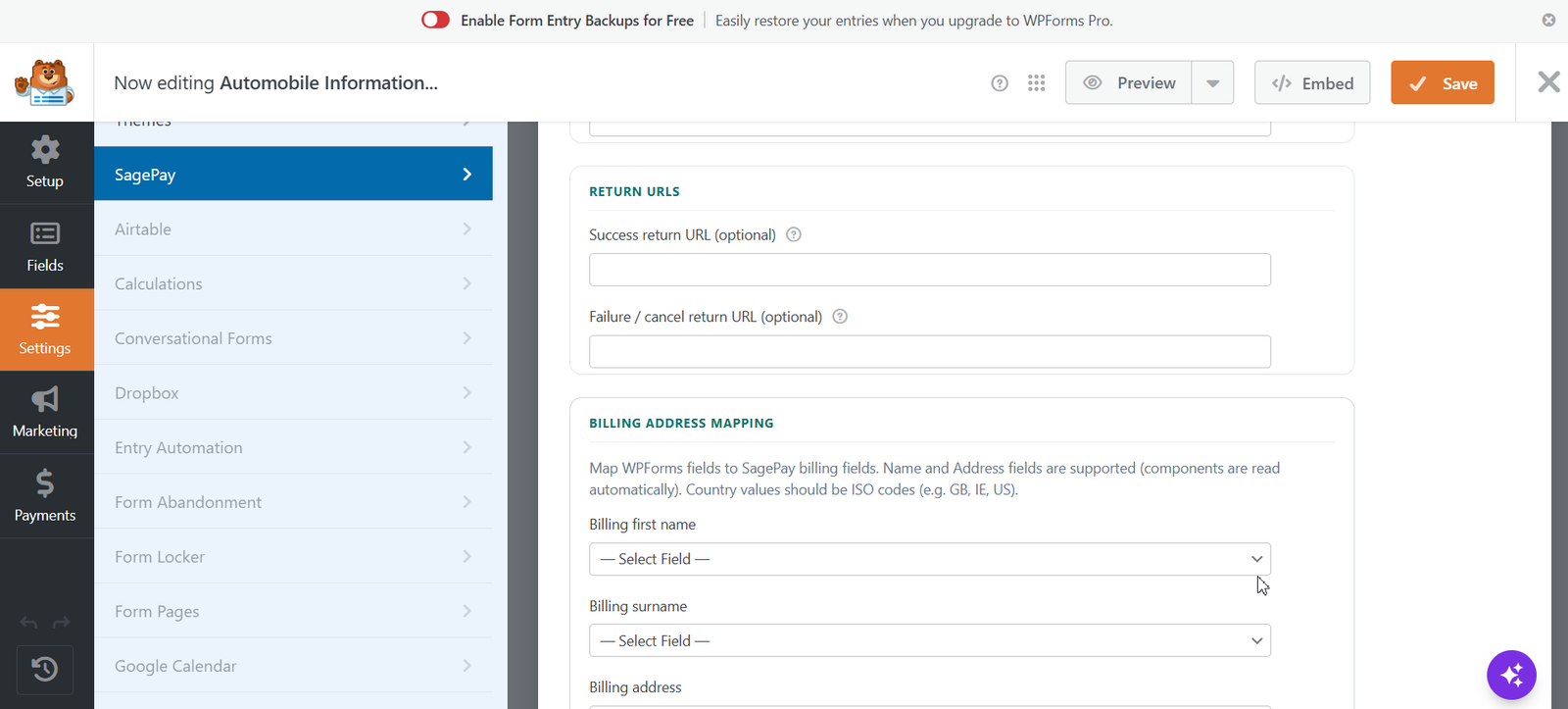
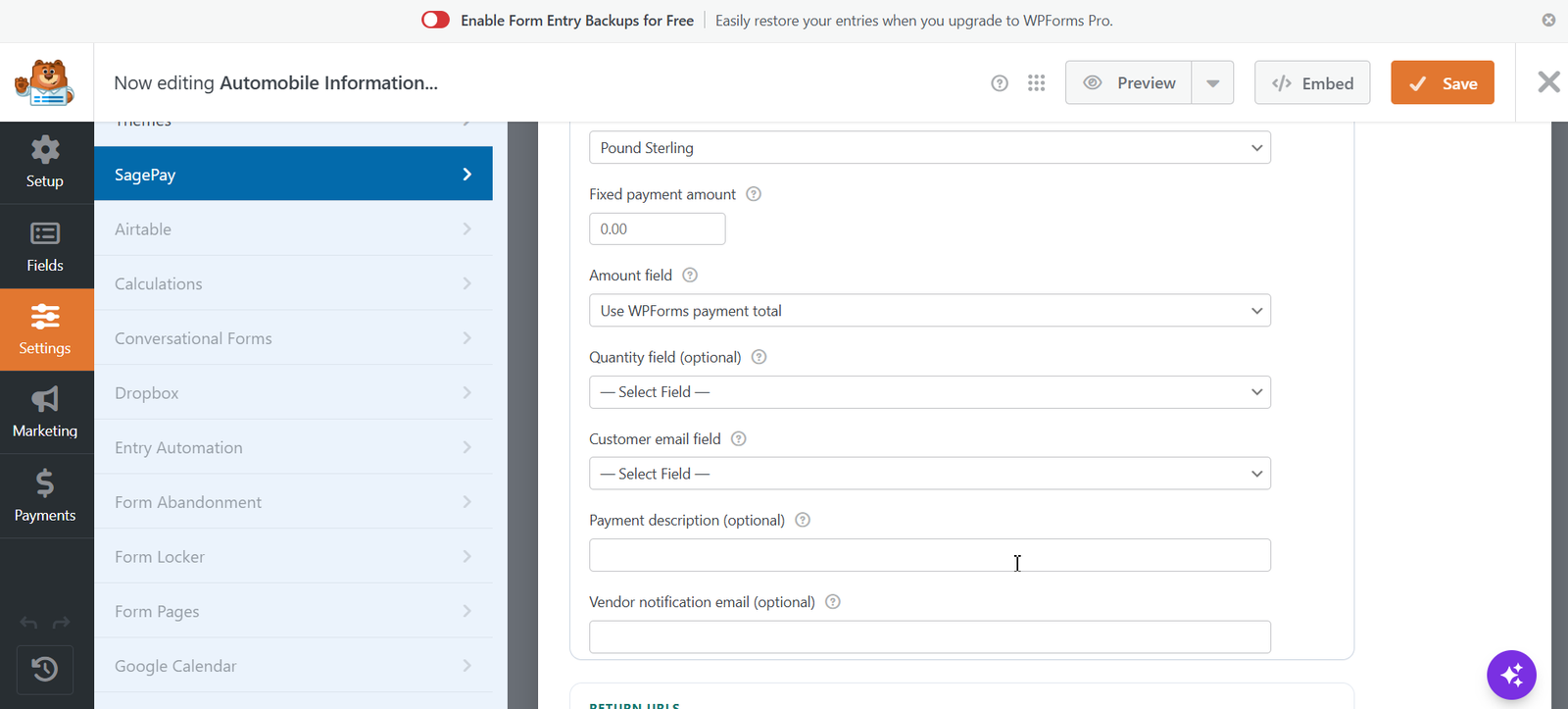
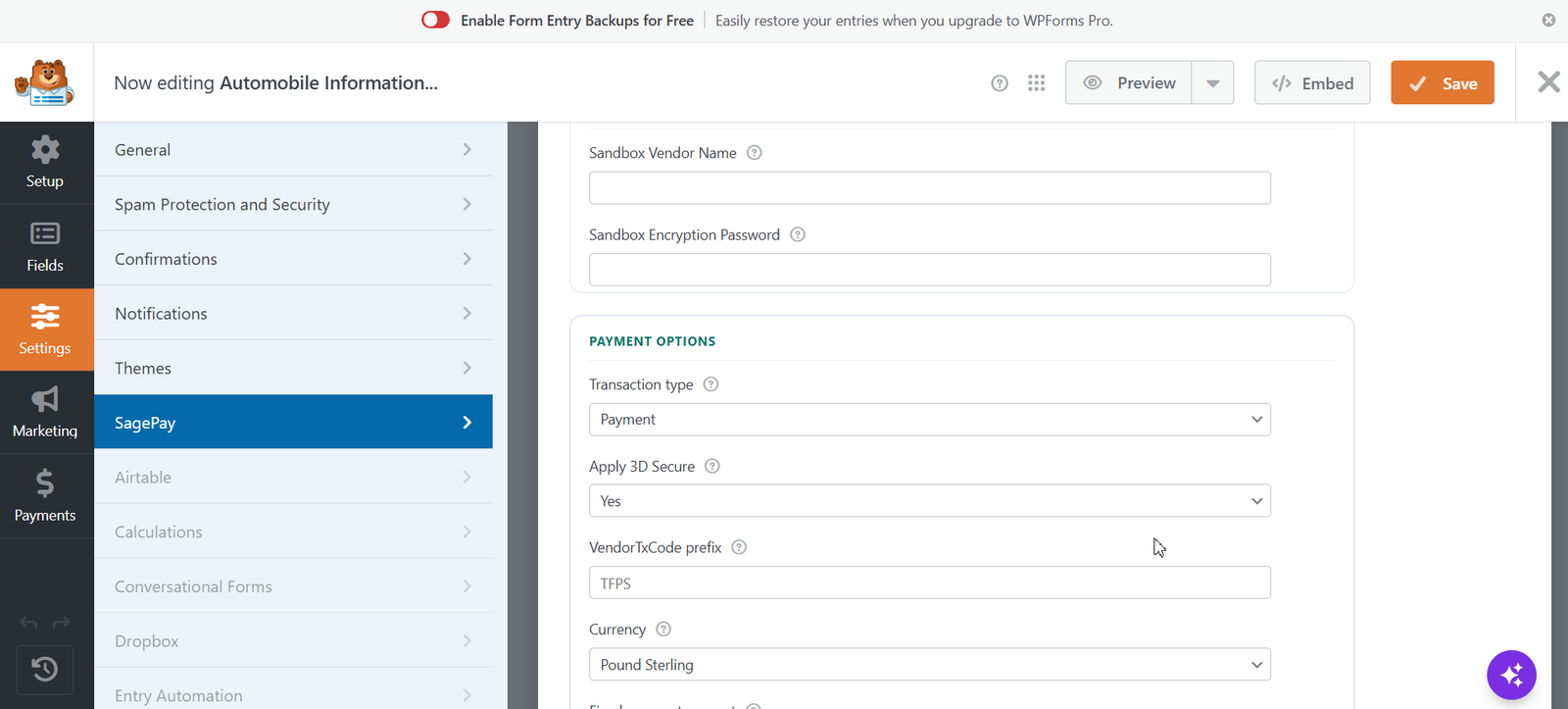
Thenameda Form Payments with SagePay for WPForms lets you accept SagePay (Opayo) payments on any WPForms form. Configure credentials and field mapping per form in the WPForms form builder. When a visitor submits the form they are redirected to the Opayo hosted payment page to pay securely. After payment, they return to your site and the transaction is stored in your dashboard. Works with WPForms Lite and WPForms Pro Features- Per-form SagePay settings inside the WPForms form builder (Settings » SagePay).
- SagePay / Opayo **Form** integration with AES-128-CBC encrypted crypt payload.
- Sandbox (test) and Live modes with separate vendor credentials.
- Transaction types: Payment, Deferred, Authenticate.
- Optional 3D Secure request.
- Map amount, quantity, email, and billing/shipping address fields.
- Supports WPForms Name and Address fields (components read automatically).
- Optional “shipping same as billing”.
- Configurable success and failure return URLs.
- [sagepay-details] shortcode for payment result display.
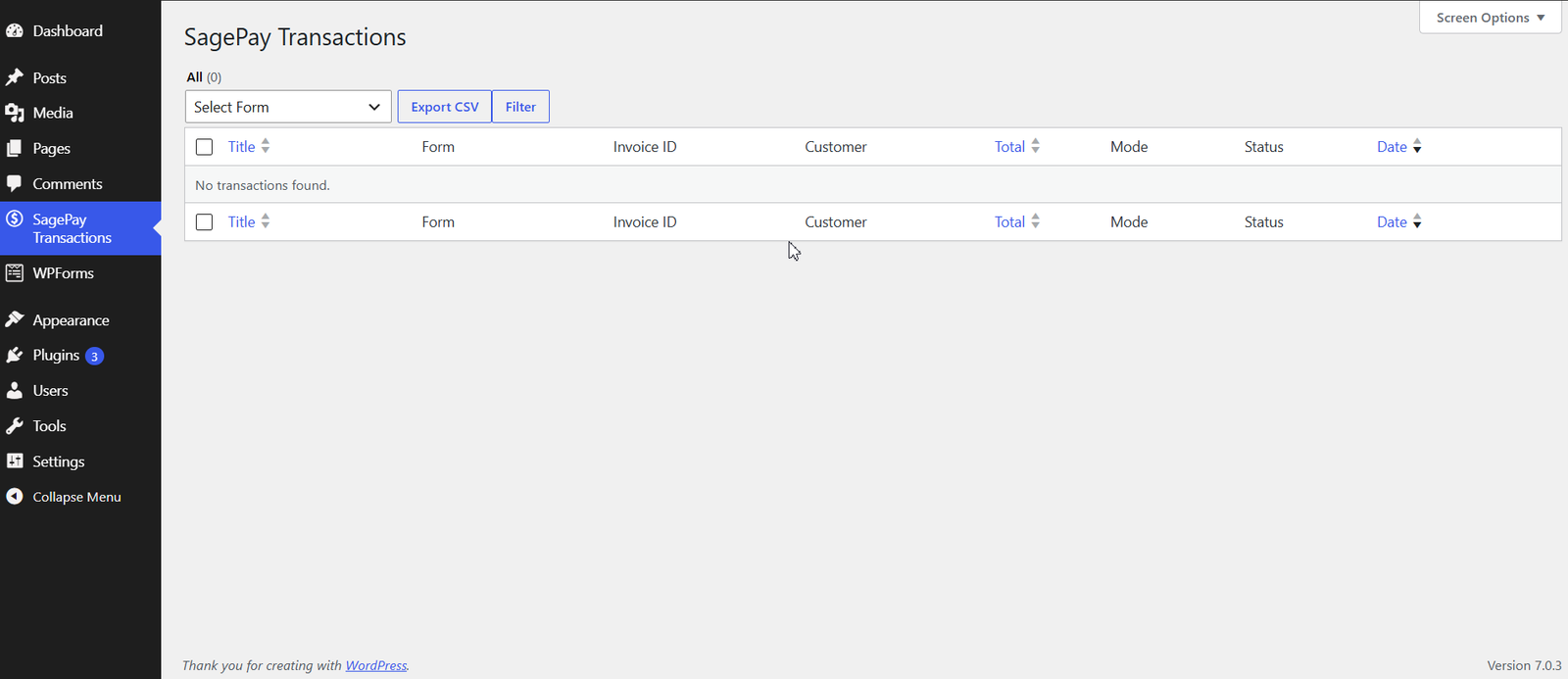
- Transaction listing with status badges, detail view, and CSV export.
- Improved redirect interstitial and payment toast notifications.